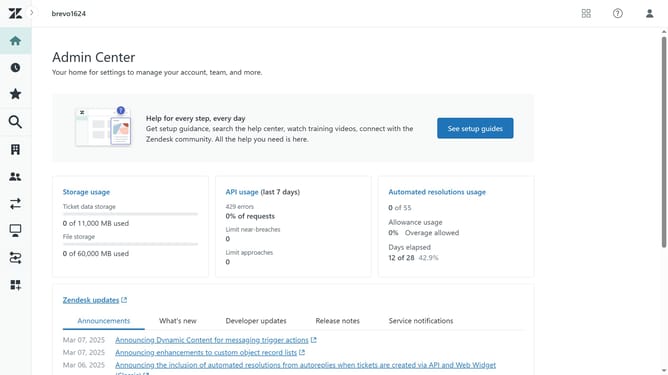
How to activate a deletion schedule in Zendesk
Here is how to activate a deletion schedule in zendesk
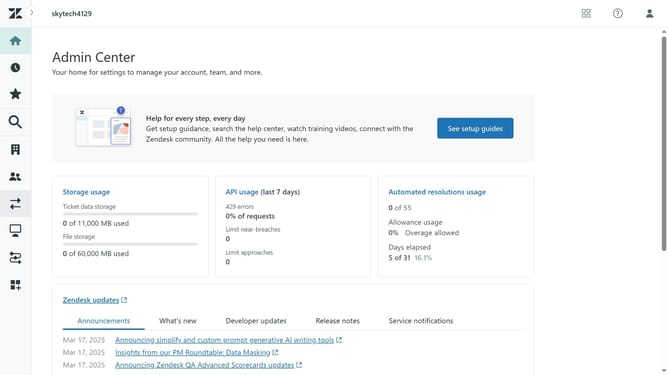
- First in the Admin Center, click on the "Account" icon in the left sidebar
- Then select "Deletion schedules" under the Security section
- Locate the inactive deletion schedule you want to activate
- Click on the menu icon (three dots) next to it
- Select "Activate" from the dropdown menu
- In the confirmation dialog, check the boxes to acknowledge the immediate and future data deletion
- Finally, click on "Activate deletion schedule" button to confirm the activation
- Your deletion schedule is now active and will automatically delete tickets based on the criteria it is set
Why should you activate a deletion schedule in Zendesk
Zendesk is a powerful platform designed to streamline customer support and enhance service efficiency.
Activating a deletion schedule in Zendesk is a key feature for maintaining data hygiene by automating the removal of outdated information.
Using this functionality ensures compliance with data protection regulations and keeps your system clutter-free.
Ultimately, it helps in optimizing storage and improving system performance, thereby facilitating smoother operations.
Last update