How to turn on scheduled deliveries to end users in Zendesk Explore
Here is how to turn on scheduled deliveries to end users in zendesk explore
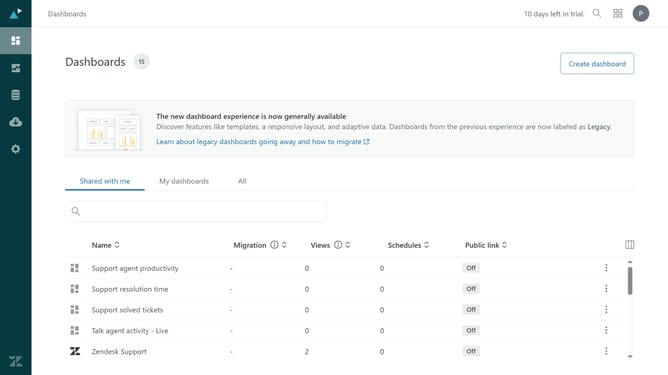
- First in Zendesk Explore, click on the "Settings" icon in the left sidebar
- Then click on the "Sharing" tab in the settings navigation menu
- Next click on the toggle switch for "Scheduled dashboard deliveries to end users" to enable it
- Finally, click the "Save" button in the bottom right corner to apply the changes
- Scheduled deliveries are now enabled, and you can begin creating delivery schedule for your dashboards
Why should you turn on scheduled deliveries to end users in Zendesk Explore
Zendesk is a powerful tool designed to elevate customer support and enhance communication.
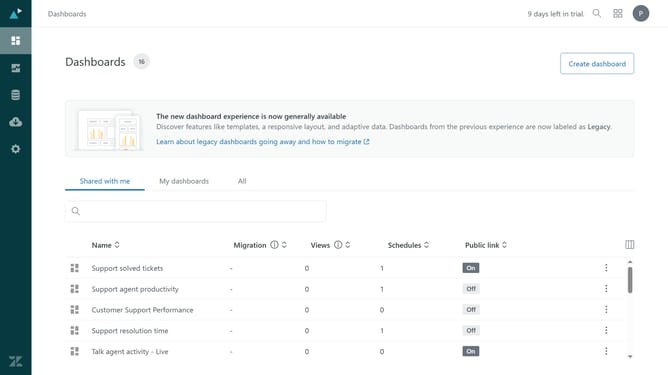
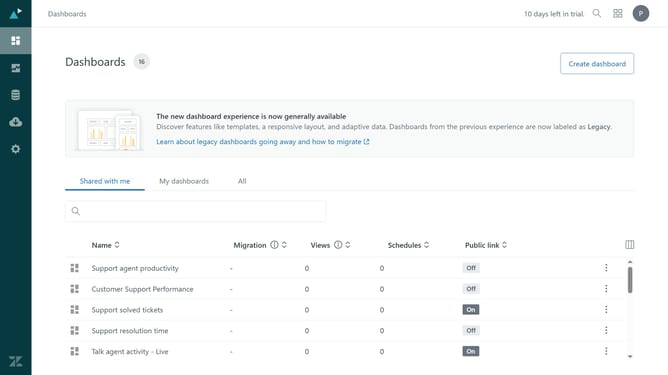
Turning on scheduled deliveries in Zendesk Explore enables teams to automate report sharing with end users.
This feature ensures regular distribution of insights, promoting informed decision-making.
With scheduled deliveries, teams save time, maintain consistency, and empower users through timely data access.
Last update