How to uninstall an app in Zendesk
Here is how to uninstall an app in zendesk
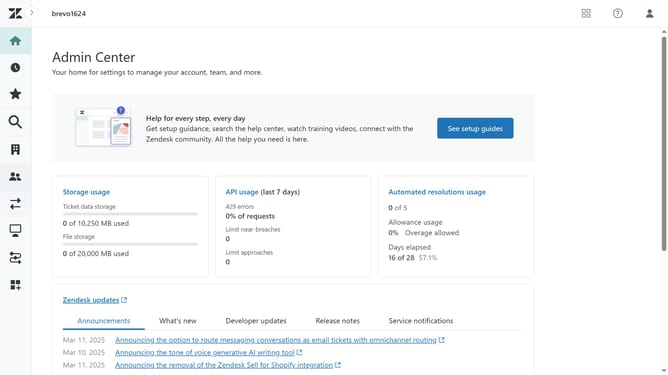
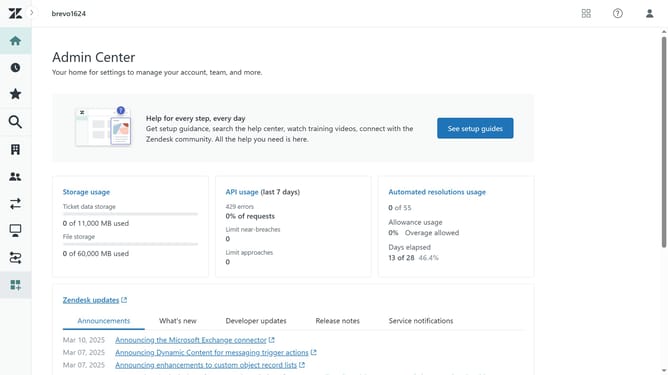
- First in the Admin Center, click on the "Apps and integrations" icon in the left sidebar
- Then click on "Zendesk Support apps" in the Apps section
- Next click on the "Currently installed" tab to view your installed apps
- Hover over the app you want to uninstall and click the settings icon (gear)
- In the dropdown menu that appears, click on "Uninstall" option
- In the confirmation dialog box, click the "Uninstall" button to confirm
Why should you uninstall an app in Zendesk
Zendesk is a versatile platform designed to enhance customer service and streamline business communication.
Easily uninstalling an app in Zendesk is one of its user-friendly features, providing a seamless way to manage your workspace without unnecessary clutter.
Whether upgrading to better-suited tools or simply decluttering, removing unused apps reduces distractions and enhances operational efficiency.
This feature ensures your team can focus on what truly matters, boosting productivity.
Last update