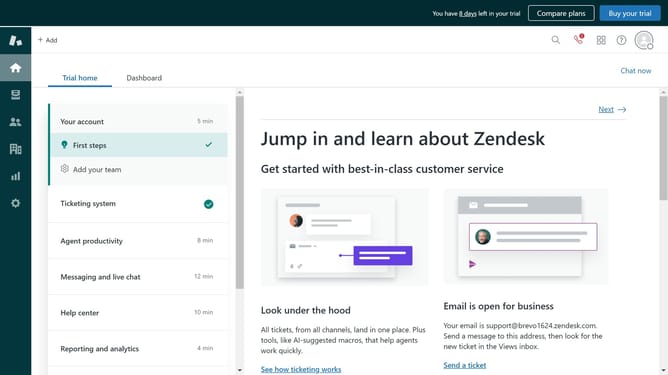
How to update the primary email address of a user in Zendesk
Here is how to update the primary email address of a user in zendesk
- First click on the "People" icon in the left sidebar
- Then click on the user you want to edit in the customers list
- Next click on the "add contact" link in the user details panel
- Click on the "Email" option from the dropdown menu
- Enter the email address you want to make primary in the email input field
- Next click on the dropdown arrow next to the new email address
- Select "Verify now" from the dropdown menu to verify the email address
- Once done, click on the dropdown menu again
- Then click on "Make primary contact" from the dropdown menu
- The user’s primary email address has now been successfully updated
- If needed, remove the old email by clicking on the dropdown and selecting "Remove"
Why should you update the primary email address of a user in Zendesk
Zendesk is a powerful customer service platform designed to enhance communication and support.
Updating the primary email address of a user in Zendesk is a simple feature that offers significant benefits. This feature ensures that crucial communications are sent to the correct address, keeping user records current and accurate.
Using this feature enhances customer engagement by maintaining seamless communication, which is essential in delivering effective support and improving overall customer satisfaction.
In a fast-paced environment, having the ability to quickly update email information reflects efficient management and adaptability.
Last update