How to grant an agent access to Explore in Zendesk
Here is how to grant an agent access to explore in zendesk
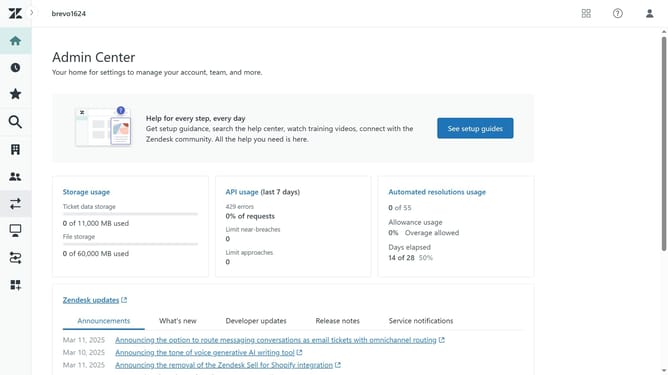
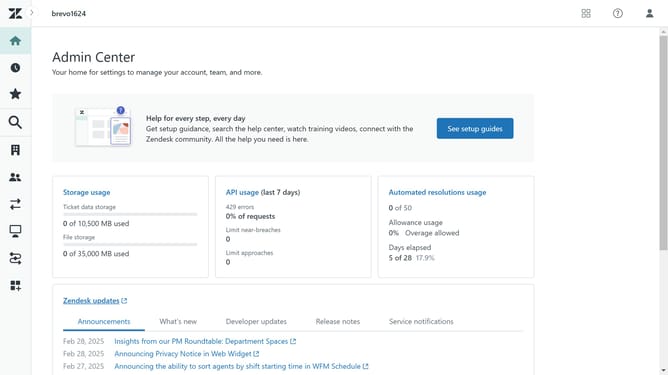
- First in Admin Center, click on the "People" icon in the left sidebar
- Then click on "Team members" under the Team section
- Next click on the agent you want to grant access to Explore in the team members list
- Click on the "Roles and access" tab in the user profile
- Click the checkbox to enable access for the "explore" product
- Next, click on the dropdown and select the level of permission the agent will have for Explore
- Finally click the "Save" button at the bottom to apply the changes
Why should you grant an agent access to Explore in Zendesk
Zendesk is a leading platform designed to enhance customer support through streamlining communication and efficient ticket management.
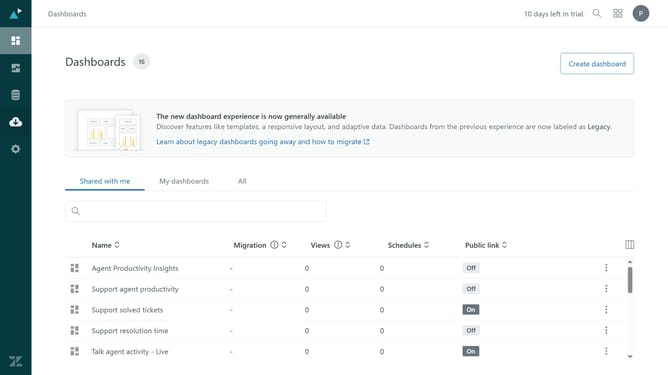
Granting an agent access to Explore in Zendesk enables them to harness powerful analytics to improve support operations.
With Explore access, agents can gain insights into performance metrics, identify trends, and make data-driven decisions. This approach not only enhances efficiency but also empowers the team to provide superior service.
Ultimately, utilizing Explore in Zendesk propels your customer service experience to new heights.
Last update