How to mark tasks as completed in Zendesk Sell
Here is how to mark tasks as completed in zendesk sell
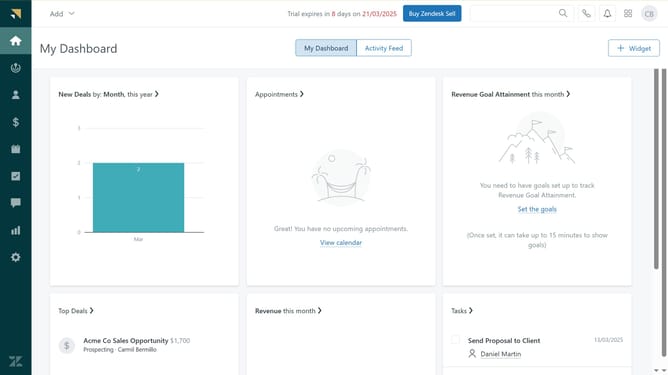
- First in Zendesk sell, click on the "Tasks" icon in the left sidebar
- Then hover over the task and clicking "Mark as completed"
- Alternatively, click on the task you want to mark as completed from the tasks list
- Then click on "Mark as completed" button in the task details view
Why should you mark tasks as completed in Zendesk Sell
Zendesk is a versatile customer relationship management platform designed to enhance sales productivity and customer engagement.
Marking tasks as completed in Zendesk Sell is a straightforward feature that streamlines workflow management.
This function enhances your productivity by visually organizing your progress, enabling you to focus on upcoming priorities.
It also contributes to a sense of accomplishment, motivating you and your team as you track and achieve daily goals effortlessly.
Last update