How to search for settings in Admin Center in Zendesk
Here is how to search for settings in admin center in zendesk
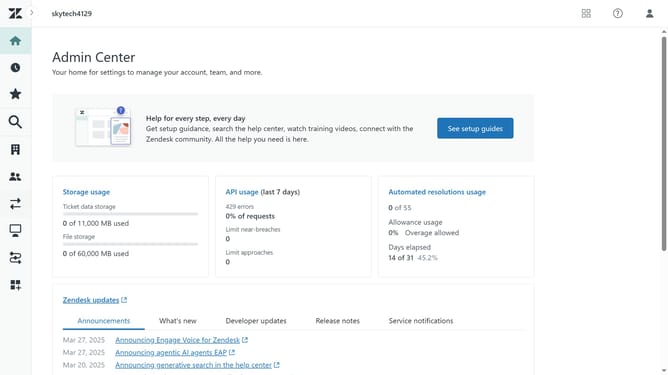
- First in the Admin Center, click on the "Search" icon in the left sidebar
- Then the search box will appear
- Next type the name or keyword related to the setting you’re looking for in the seach box
- Finally, click on the setting you want to manage or configure from the list of relevant results
Why should you search for settings in Admin Center in Zendesk
Zendesk is a powerful customer service platform designed to enhance client interactions and streamline support operations.
Within Zendesk, the Admin Center empowers you to efficiently customize and manage your settings. One standout feature is its intuitive search option, allowing quick access to specific settings. This means less time sifting through menus and more time optimizing your support tools.
Being able to search for settings in the Admin Center brings clarity and speed to administrators' tasks, ensuring seamless adjustments, and improving operational efficiency.
Last update