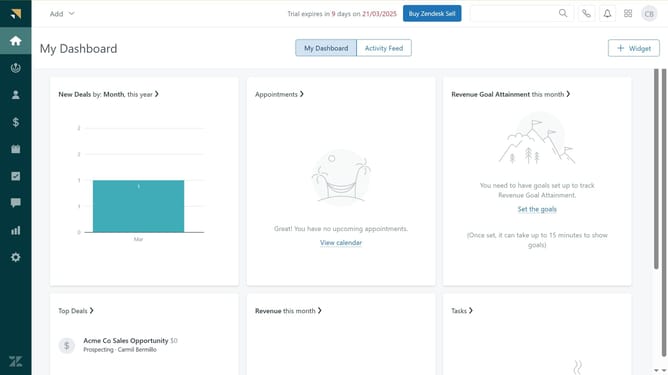
How to turn off the CSAT survey in Zendesk
Here is how to turn off the csat survey in zendesk
- First in the Admin Center, click on the "Objects and rules" icon in the left sidebar
- Then click on "Customer satisfaction" under business rules section
- Next click on the "Actions" dropdown button in the top-right corner
- Select "Turn off customer satisfaction" option from the dropdown menu
- Finally, click the "Turn off" button in the confirmation dialog to confirm
Why should you turn off the CSAT survey in Zendesk
Zendesk is a leading customer service platform designed to improve customer interactions efficiently and effectively.
Turning off the CSAT survey in Zendesk can streamline your workflow by reducing unwanted customer touchpoints, helping your team focus on more immediate tasks.
This feature provides flexibility in managing customer feedback, allowing businesses to prioritize essential data collection methods tailored to specific needs.
By opting out of automatic surveys, users can maintain customer relationships without overwhelming them with feedback requests, fostering a more tailored customer service experience.
Last update