How to get a Zendesk API token
Here is how to get a zendesk api token
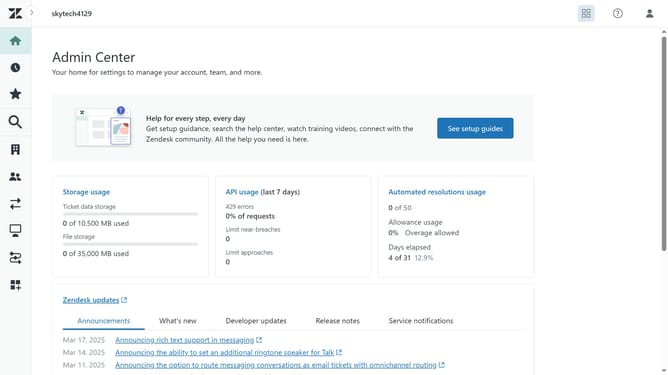
- First, click on the "Apps and integrations" menu item in the left sidebar
- Then click on "Zendesk API" under APIs section
- Next click on "Settings" tab in the Zendesk API section
- Click on "Add API token" button in the main content area
- Enter a description for your new API in the API token description field
- Click on "Copy" button to copy the generated API token
- Finally click on "Save" button to save the new API token
Why should you get a Zendesk API token
Zendesk is a leading customer service platform designed to improve communication and streamline support processes.
To fully leverage the capabilities of Zendesk, obtaining an API token is essential.
This key feature facilitates enhanced security and seamless integration of third-party applications.
By using a Zendesk API token, businesses can automate processes, enhance data accessibility, and ensure secure interactions, thereby elevating overall customer support efficiency.
Last update