How to reactivate tasks in Zendesk Sell
Here is how to reactivate tasks in zendesk sell
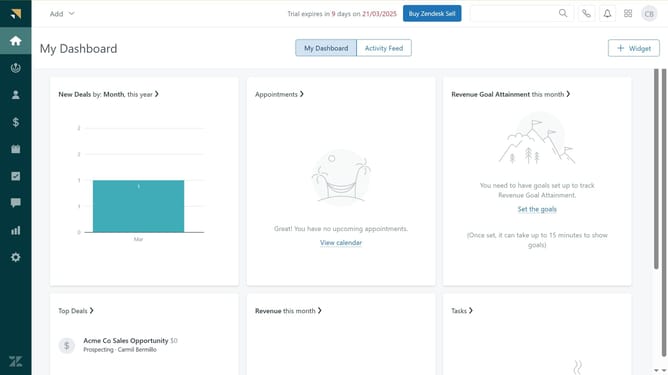
- First in Zendesk sell, click on the "Tasks" icon in the left sidebar menu
- Then click on the "Completed" tab in the tasks navigation bar
- Next hover over the task you want to reactivate and click on the "Mark as incomplete" button
- Your task is now active again and ready for action. It will appear in the "Upcoming" tab
Why should you reactivate tasks in Zendesk Sell
Zendesk is a comprehensive suite that streamlines customer interactions and enhances sales efficiency.
Within Zendesk Sell, reactivating tasks is a key feature that enhances productivity. It allows users to effortlessly bring back previously set tasks, ensuring no opportunity or important action is missed.
Utilizing this feature ensures a seamless workflow, helping teams stay organized and focused on priority tasks, ultimately driving better customer relations and sales outcomes.
Last update