How to enable badges in your community in Zendesk Guide Admin
Here is how to enable badges in your community in zendesk guide admin
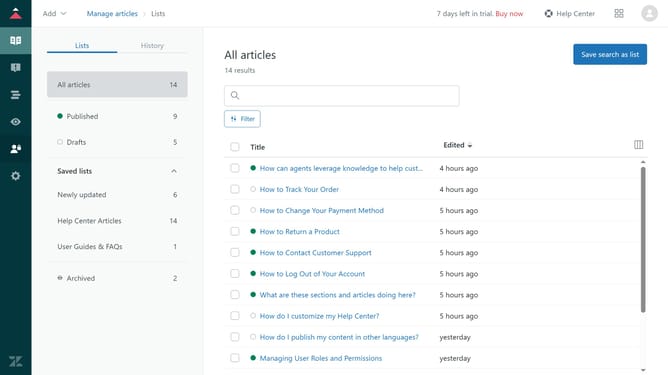
- First in Guide admin, click on "Settings" icon in the left sidebar
- Then click on "Gather settings" option in the left settings menu
- Next in the Gather settings, select the "Enable user badges" checkbox to enable badges
- Finally, click on the "Save" button in the top-right corner to apply the changes
Why should you enable badges in your community in Zendesk Guide Admin
Zendesk is a powerful platform designed to enhance customer support and communication.
In Zendesk Guide Admin, enabling badges in your community is a feature that adds layers of interaction and engagement.
Badges celebrate your community members' contributions, fostering a sense of belonging and encouraging continued participation.
This feature not only acknowledges member achievements but also creates a vibrant and inclusive community atmosphere.
Last update