How to restrict app access in Zendesk
Here is how to restrict app access in zendesk
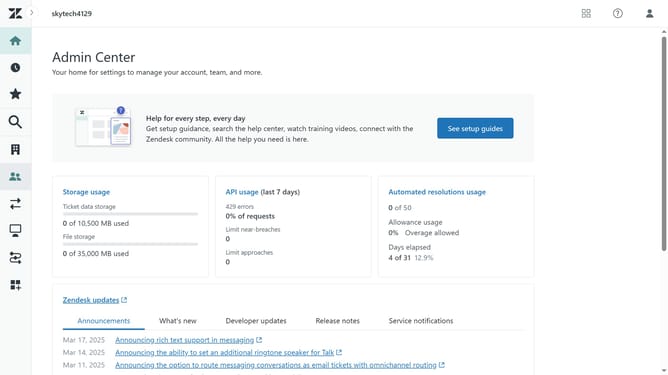
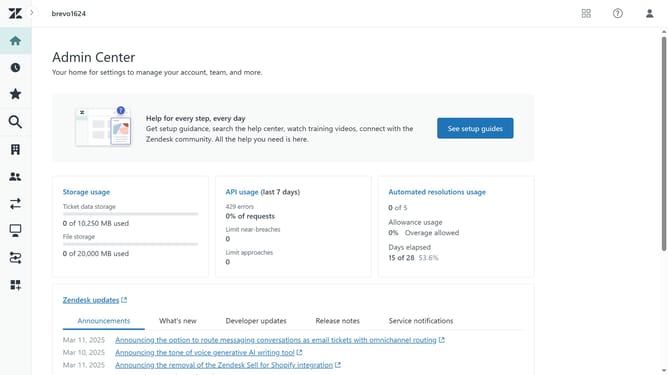
- First in the Admin Center, click on the "Apps and integrations" icon in the left sidebar
- Then click on "Zendesk Support apps" under the Apps section
- Click on the "Currently Installed" tab in the main content area
- Next hover over the app for which you want to change settings and click the dropdown arrow
- Select "Change settings" from the dropdown menu
- In Settings, check the box for "Enable role restrictions" to activate it
- Then click the dropdown and select the roles that should have access to the app
- Next check the box for "Enable group restrictions" to enable it
- Select the group that should have access to the app
- Finally, click the "Update" button to save the changes
- The app is now restricted to the selected roles or groups in Zendesk
Why should you restrict app access in Zendesk
Zendesk is a powerful platform designed to enhance customer service and support.
Restricting app access in Zendesk is a crucial feature that helps maintain security and efficiency within your customer service operations.
By controlling which users have access to specific apps, businesses can ensure that sensitive information is only available to those who need it, reducing the risk of data breaches.
This feature also helps streamline workflow by enabling a more organized digital environment, where agents are equipped with relevant, accessible tools tailored to their roles.
Last update