How to update an appointment in Zendesk Sell
Here is how to update an appointment in zendesk sell
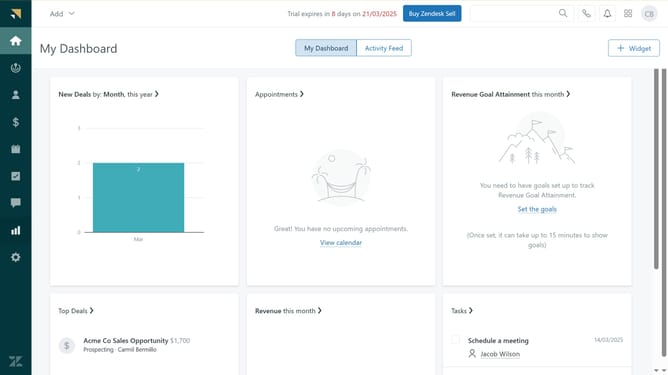
- First in Zendesk sell, click on "Calendar" icon in the left sidebar
- Then click on appointment you want to update in the calendar view
- Modify the appointment title or description, edit the location, and adjust the start and end date or time as needed
- Then click on the "+" button in the Attendees section to add more attendees
- Finally once done, click on "Update and Send Invites" button to apply the changes
Why should you update an appointment in Zendesk Sell
Zendesk is a comprehensive platform designed to enhance customer relationships through efficient service solutions.
Updating an appointment in Zendesk Sell streamlines your scheduling process, ensuring that you stay on top of every client interaction.
This feature helps maintain organized and accurate timelines, reducing the risk of errors and enhancing overall productivity.
By keeping appointments up-to-date, sales teams can build stronger, lasting relationships with their customers, ultimately boosting client satisfaction and sales performance.
Last update