How to disable automatic tagging for tickets in Zendesk
Here is how to disable automatic tagging for tickets in zendesk
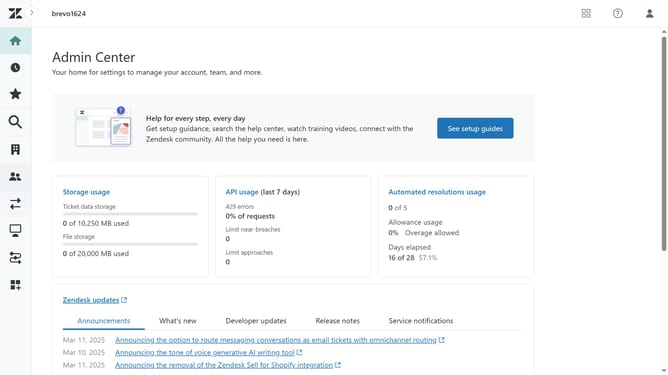
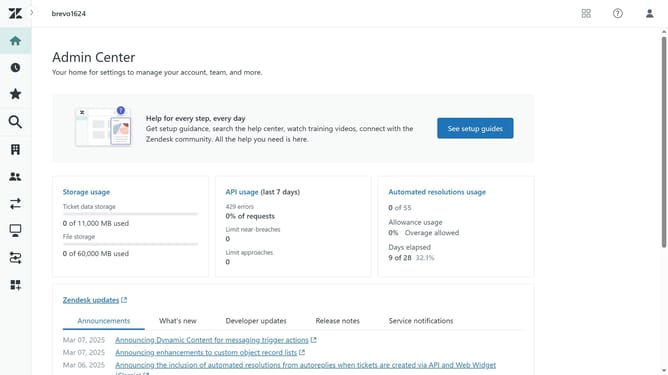
- First in Admin Center, click on the "Objects and rules" item in the left sidebar
- Then click on "Settings" under the Tickets section
- Next click on the "Settings" tab in the main content area
- Scroll down and find the "Tags" section
- Then deselect the "Enable automatic ticket tagging" checkbox
- Finally click on the "Save tab" button at the bottom of the page to apply the changes
Why should you disable automatic tagging for tickets in Zendesk
Zendesk is a comprehensive customer support platform designed to enhance communication with your clientele.
An often-overlooked but powerful feature is the option to disable automatic tagging for tickets. This functionality allows teams to maintain control over the tagging process, ensuring they use tags that are most relevant to their workflows and reporting needs.
By customizing tag usage, support teams can enhance the organization of their ticketing system, leading to improved efficiency and cleaner data analysis.
Ultimately, this feature empowers businesses to streamline operations and optimize customer support strategies without unnecessary clutter.
Last update