How to identify unverified email addresses in Zendesk
Here is how to identify unverified email addresses in zendesk
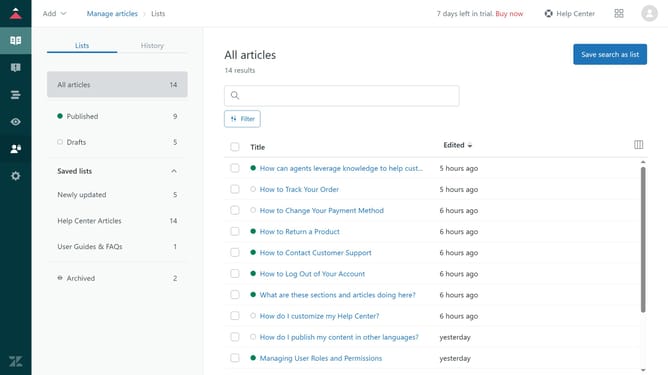
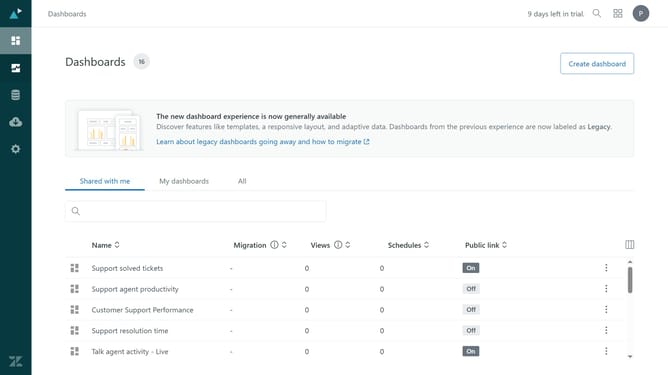
- First click on the "People" icon in the left sidebar menu
- Then click in the search box and enter "is_verified:false" as the search query
- All users with unverified email addresses will be filtered in the search results
- You can also directly identify an unverified email address by the warning icon next to the user's email
Why should you identify unverified email addresses in Zendesk
Zendesk is a versatile tool designed to enhance customer service interactions through efficient communication and ticket management.
Identifying unverified email addresses in Zendesk is a valuable feature that contributes to maintaining the integrity and reliability of your communication platform.
By recognizing these unverified emails, you ensure that your customer interactions are authentic, reducing potential misinformation and increasing trust in your customer database.
This layer of insight supports proactive management and enhances the overall efficiency of your support team.
Last update