How to create an automated task action in Zendesk Sell
Here is how to create an automated task action in zendesk sell
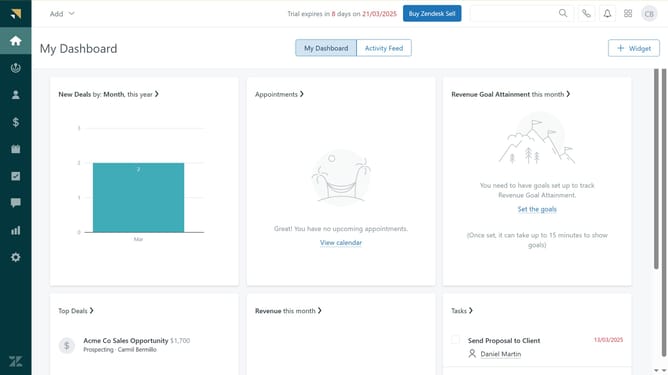
- First in Zendesk sell, click on the "Settings" icon in the left sidebar
- Then click on "Automated actions" under the Business rules section
- Next click on "Build your first action" button in the main content area
- Select the trigger event for the new action from the trigger options
- Click "Continue to Event Actions" button to proceed
- Then define your automated action, when the trigger event occurs
- Finally, once done click "Activate Automated Action" button to complete the setup
Why should you create an automated task action in Zendesk Sell
Zendesk is an intuitive platform designed to enhance customer relationship management and support.
Automating task actions within Zendesk Sell is a powerful feature crafted to streamline sales processes effortlessly.
By setting automated tasks, sales teams can reduce manual interventions, ensuring that each step in the pipeline is executed with precision.
This not only boosts productivity but also fosters consistency and allows teams to focus more on nurturing and closing deals rather than administrative tasks.
Last update