How to delete contacts in Zendesk Sell
Here is how to delete contacts in zendesk sell
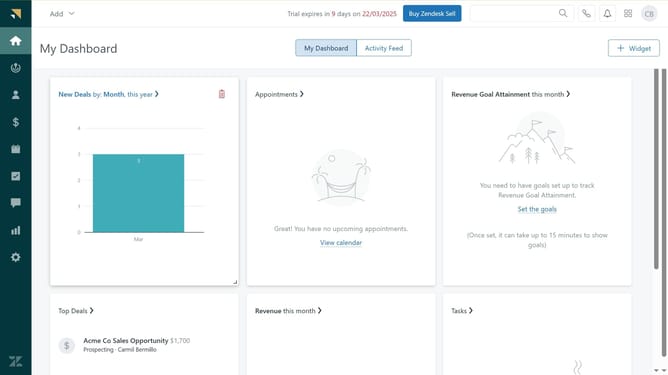
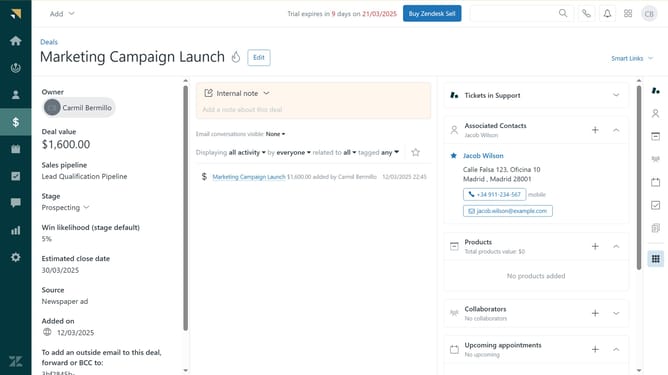
- First in Zendesk sell, click on the "Contacts" icon in the left sidebar menu
- Then navigate to the contacts list view in the main workspace
- Next click on the checkbox next to the contacts you want to delete
- Click on the "Delete" button in the top action bar to initiate contact deletion
- In the confirmation dialog, click on the checkbox
- Finally click on the "Delete" button to permanently remove the selected contacts
Why should you delete contacts in Zendesk Sell
Zendesk is a powerful platform designed to enhance customer relationships through effective sales and support tools.
Deleting contacts in Zendesk Sell streamlines your database, allowing for more efficient management of current client information. This feature helps maintain an organized contact list by removing outdated or unnecessary entries, ensuring that your focus remains on active leads and customers.
Using this feature allows teams to improve their decision-making processes and keep their sales strategies current, leading to better customer interactions and increased productivity.
Last update