How to create a personal email template in Zendesk Sell
Here is how to create a personal email template in zendesk sell
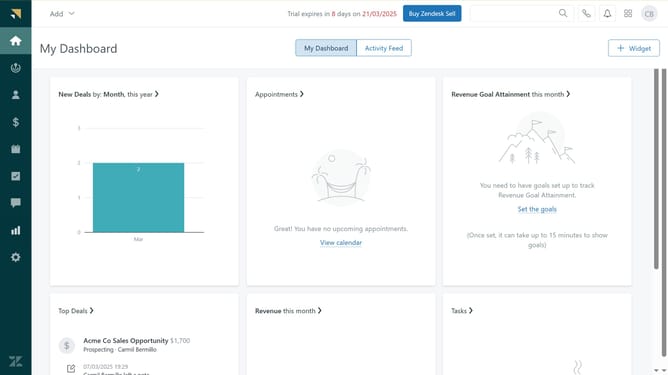
- First in Zendesk sell, click on the "Settings" icon in the left sidebar
- Then click on "Email templates" option under the Customize section
- Click on the "Templates" tab in the email templates section
- Next click on the "Add template" button in the top right corner
- In the modal window, enter the template name
- Add tags in the tags field
- Make sure the "Share with everyone" checkbox is not selected
- Enter the email subject in the subject line
- Add the email template content in the body text area
- Finally click the "Save" button to create the template
Why should you create a personal email template in Zendesk Sell
Zendesk is a versatile platform designed to enhance customer relationships through efficient communication and support tools.
Creating a personal email template in Zendesk Sell allows users to streamline communications by customizing messages to match their unique style and branding. This feature ensures consistency in interactions while saving valuable time.
By using personal email templates, sales teams can maintain a professional presence and increase productivity, allowing them to focus more on building meaningful customer relationships.
Last update