How to enable Google Analytics for your Help Center in Zendesk
Here is how to enable google analytics for your help center in zendesk
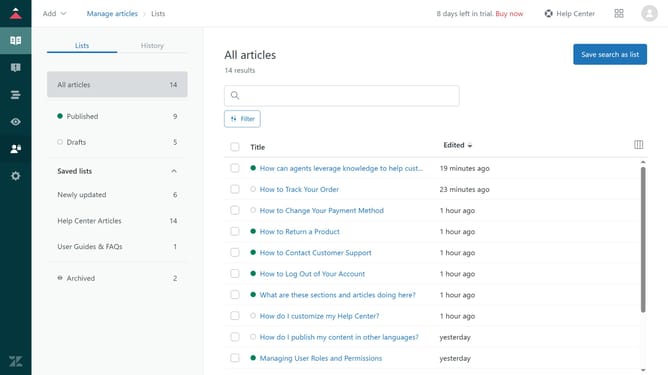
- First in Guide admin, click on "Settings" icon in the left sidebar
- Then click on "Guide settings" tab in the settings sidebar menu
- In Guide settings, scroll down and find the "Integrations" section
- Next select the "Google Analytics" checkbox to enable it
- Enter your Google Analytics tracking ID. If transitioning to Google Universal Analytics to Google Analytics 4, add tracking IDs for both.
- Finally, click on the "Update" button in the top-right corner to apply the changes
Why should you enable Google Analytics for your Help Center in Zendesk
Zendesk is a leading customer service platform designed to improve communication and foster customer satisfaction.
Enabling Google Analytics for your Help Center in Zendesk Guide offers valuable insights into how visitors interact with your content. This feature empowers you to track user behavior, allowing you to see which articles perform best and identify areas for improvement.
By integrating Google Analytics, you can make informed decisions to enhance user experience, ultimately boosting your Help Center’s effectiveness and your overall customer support strategy.
Last update