How to create a recurring export in Zendesk Explore
Here is how to create a recurring export in zendesk explore
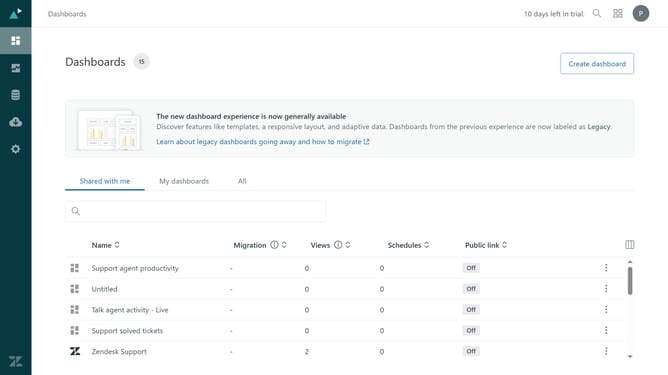
- First in Zendesk Explore, click on the "Dataset exports" icon in the left sidebar
- Then click on "Create recurring export" button in the export options
- Click on the dataset "Select" dropdown field
- Select the dataset you want to export from the dataset dropdown list
- Click on the "Frequency" dropdown field
- Choose how often the export should run (daily, weekly, or monthly)
- Depending on the frequency you selected, specify the Hour, Day, or Day of the month the export should run
- Finally, click the "Create" button to create the recurring export
- The recurring export has been successfully created and will run automatically based on the selected schedule
Why should you create a recurring export in Zendesk Explore
Zendesk is a leading customer service platform designed to improve customer relationships through flexible support solutions.
With Zendesk Explore, users can create recurring exports, ensuring effortless access to up-to-date analytics.
This feature streamlines reporting processes by automatically delivering insights at regular intervals, saving valuable time.
Utilizing recurring exports fosters data-driven decision-making, enhancing the overall efficiency of customer service operations.
Last update