How to create a rule on Zendesk
Here is how to create a rule on zendesk
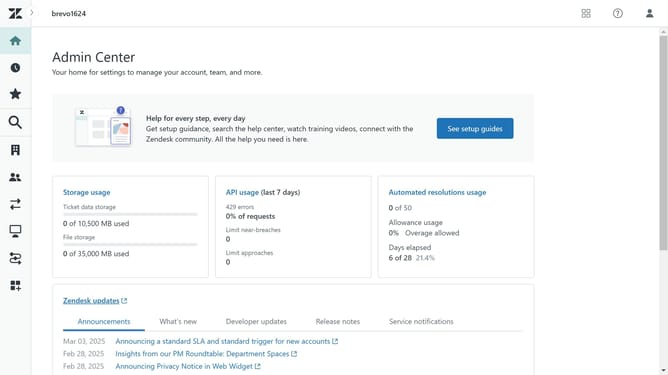
- First in Admin Center, click on "Objects and Rules" in the left sidebar
- Then click on "Triggers" under the Business rules section
- Next, click on "Create Trigger" in the top-right corner
- Provide a name for your trigger in the Trigger name field
- Enter a brief description of the trigger
- Select your preferred trigger category
- Click on the "Add condition" button and select the conditions you want to apply
- Click "Add Action" and specify the action you want the trigger to perform
- Finally, click on the "Create" button at bottom to save and create the new trigger
Why should you create a rule on Zendesk
Zendesk is an intuitive customer service platform designed to improve engagement and simplify communication.
Creating a rule on Zendesk is an efficient way to automate your workflows and ensure consistent operations.
With this feature, you can streamline processes by automatically categorizing tickets, assigning them to the right team, or triggering specific actions based on set criteria.
Leveraging rules helps in reducing manual tasks, which boosts productivity, enhances response time, and ultimately leads to improved customer satisfaction.
Last update