How to enable private attachments in Zendesk
Here is how to enable private attachments in zendesk
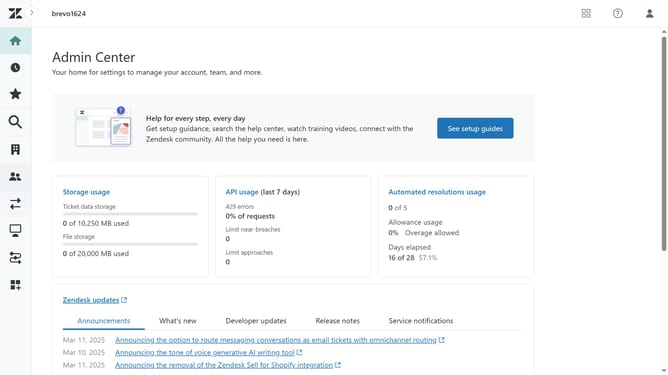
- First in the Admin Center, click on the "Objects and rules" icon in the left sidebar
- Then click on "Settings" under the Tickets section
- Click on the "Settings" tab in the Tickets section
- Next scroll down and find the "Attachments" section
- Then click the "Enable secure downloads" checkbox to enable private attachments
- Finally, click on "Save tab" button at the bottom of the page to apply the changes
- Your private attachments are now successfully enabled. Only authorized users can access the files
Why should you enable private attachments in Zendesk
Zendesk is a powerful platform designed to enhance customer support experiences.
Enabling private attachments in Zendesk ensures sensitive information shared in support tickets remains confidential. This feature acts as a safeguard, allowing agents to attach files that only internal teams can access, ensuring customer data security.
Using private attachments fosters trust and can significantly improve customer service efficiency, as critical details are securely shared among relevant staff without compromising user privacy.
Last update