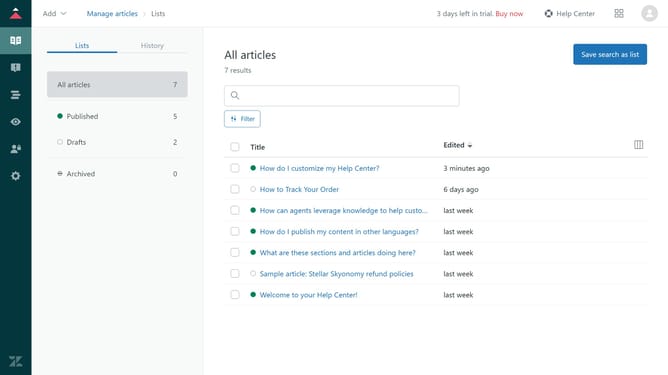
Where can you find your Zendesk subdomain
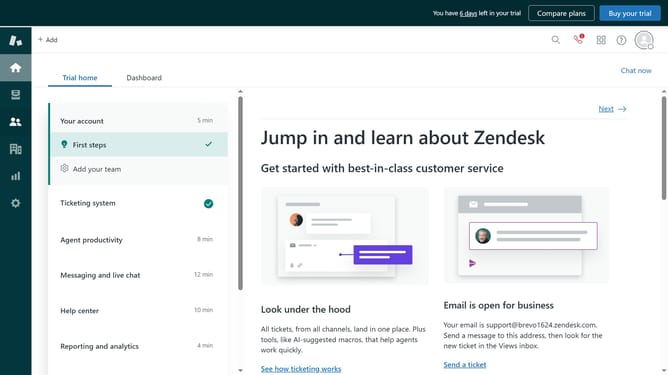
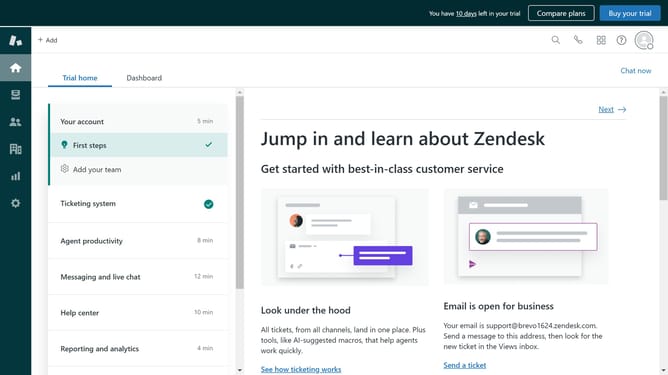
Here is where can you find your zendesk subdomain
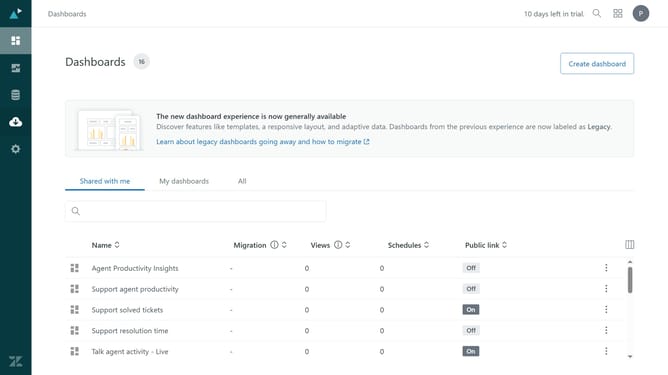
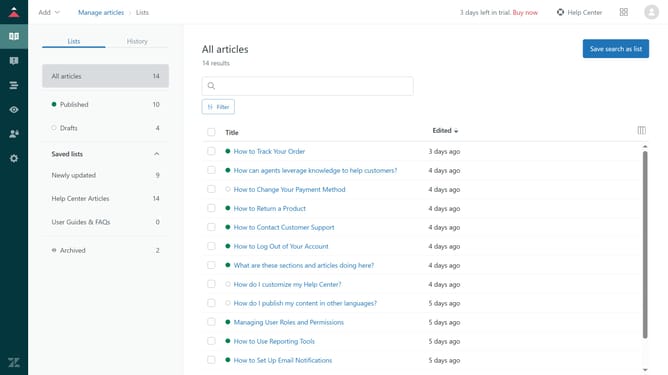
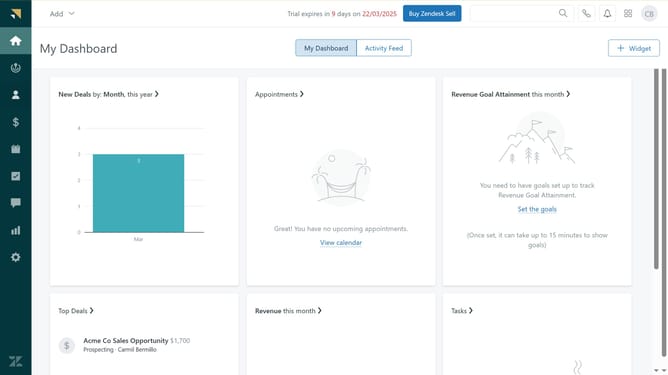
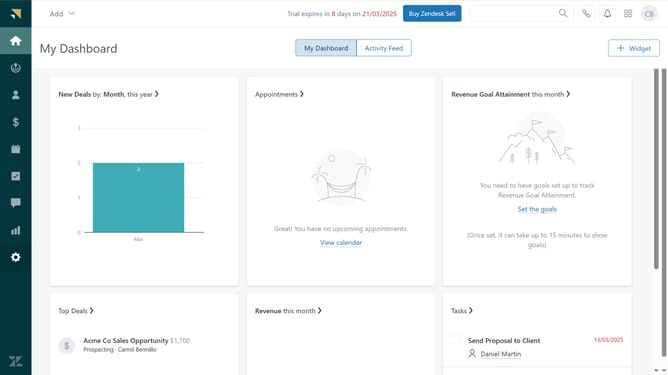
- First click on the "Settings" icon in the left sidebar
- Then you can find your subdomain name in the top right corner
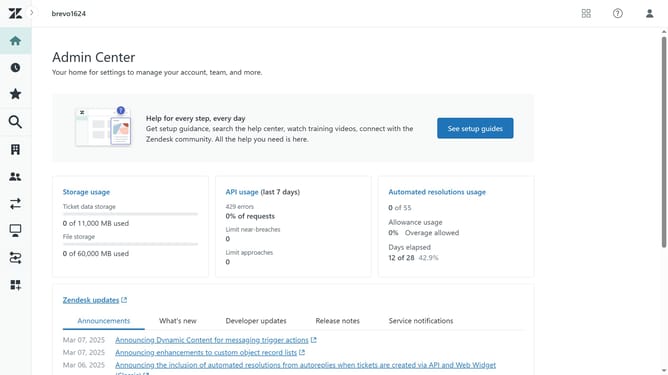
- Alternatively, click the "Go to Admin Center" link in the notification banner
- In the Admin Center, you will see your Subdomain in the top navigation bar
Why should you Where can you find your Zendesk subdomain
Zendesk is a premier customer service platform designed to enhance communication and improve customer satisfaction.
Your Zendesk subdomain is a unique identifier that links to your specific Zendesk account, providing a seamless pathway for managing customer interactions.
Locating your Zendesk subdomain is crucial as it simplifies access to your support system, ensuring quick and efficient problem resolution for your customers. Additionally, having this dedicated subdomain reinforces your brand identity within the Zendesk environment.
Last update