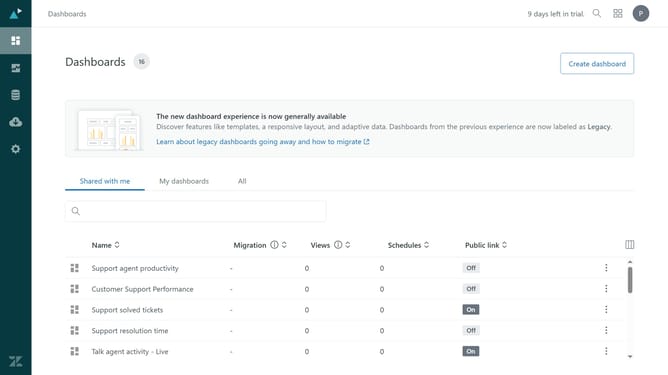
How to mark a community post as answered in your Help Center in Zendesk
Here is how to mark a community post as answered in your help center in zendesk
- First navigate to your Help Center, find and click on the community post you want to mark as answered
- Then click on the "Settings" icon in the post options menu
- Finally select "Answered" status from the settings dropdown menu
Why should you mark a community post as answered in your Help Center in Zendesk
Zendesk is a powerful tool for seamless customer service and efficient support management.
Marking a community post as answered in your Zendesk Help Center streamlines user experience by highlighting solutions quickly. This feature ensures that helpful and accurate responses are prominently visible, making it easier for users to find answers without sifting through numerous posts.
Utilizing this feature not only saves time for your users but also boosts community engagement and satisfaction by recognizing valid contributions. It's an effective way to maintain a well-organized and resourceful Help Center.
Last update