How to create a contact in Zendesk Sell
Here is how to create a contact in zendesk sell
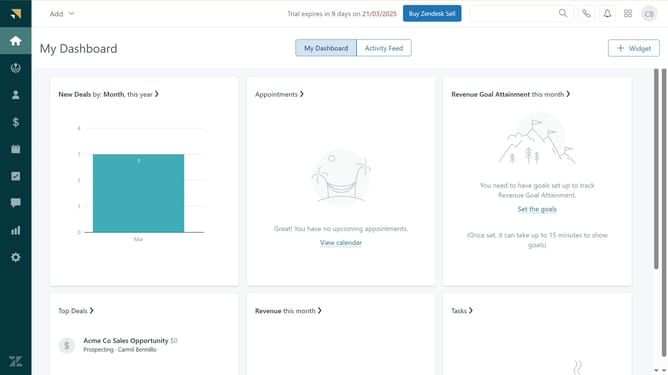
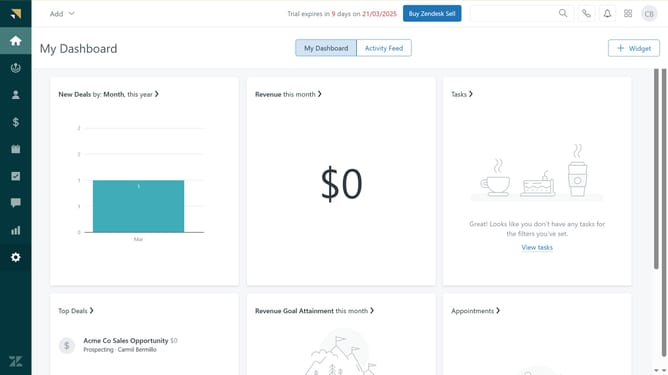
- First in Zendesk sell, click on the "Add" button in the top navigation bar
- Then select "Contact: Person" or "Contact: Company" option from the dropdown menu
- In the dialog box, fill in all the required contact information
- Finally, once done click the "Save" button in the bottom right corner to create the contact
- The new contact will be successfully created
Why should you create a contact in Zendesk Sell
Zendesk is a comprehensive platform designed to enhance customer interactions and support.
Creating a contact in Zendesk Sell allows you to seamlessly manage customer relationships by organizing essential details in one accessible location.
This feature enhances productivity by centralizing data, enabling efficient tracking, and fostering personalized communication.
Utilizing this function streamlines your sales processes, aids in building stronger client connections, and ultimately drives business growth.
Last update