How to connect your email in Zendesk Sell
Here is how to connect your email in zendesk sell
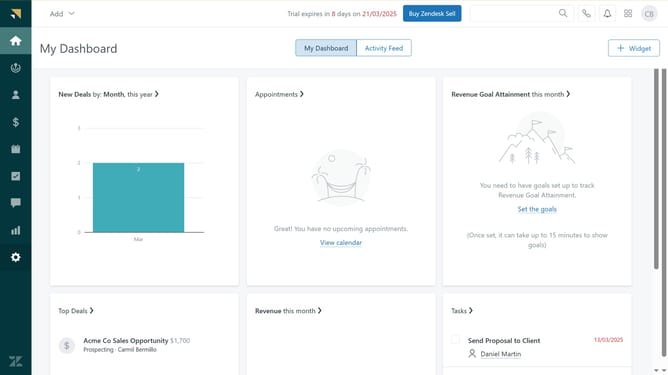
- First in Zendesk sell, click on the "Settings" icon in the left sidebar menu
- Then click on "Email" under the Communication channels section
- Next choose your email provider in the Connection tab
- Click the "Continue" button on the sign-in popup page
- Finally click the "Continue" button again to grant permissions to Zendesk Sell Integration
- Your email is now successfully connected to Zendesk Sell
Why should you connect your email in Zendesk Sell
Zendesk is an intuitive platform designed to enhance your customer relationships and streamline workflow management.
Connecting your email in Zendesk Sell elevates your efficiency by centralizing all customer interactions in one place.
This feature ensures that you never miss a lead, helping to keep your sales pipeline robust and organized.
By synchronizing your email, you achieve seamless communication, making customer engagement smooth and time-efficient.
Last update