How to send a bulk email message in Zendesk
Here is how to send a bulk email message in zendesk
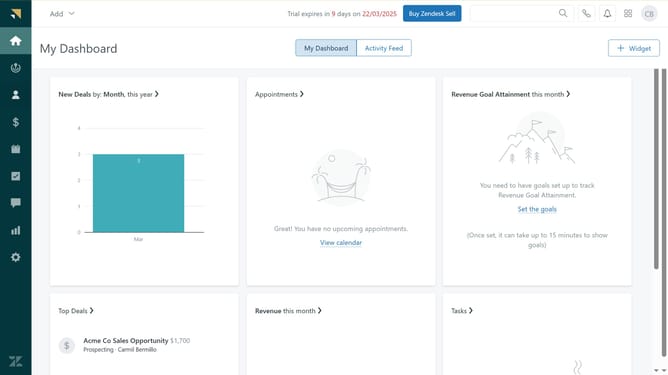
- First in Zendesk sell, select the Leads or Contacts or Deals in the left sidebar menu
- Then select the checkbox next to the name of the lead or contact or deal
- Next click on the "Email" icon in the top action bar of the list
- Then enter the subject in the email subject line
- After that, compose the email message body
- Finally click on the "Send" button to send the email
Why should you send a bulk email message in Zendesk
Zendesk is a leading support tool designed to streamline and enhance customer interactions.
Sending bulk email messages with Zendesk is incredibly efficient, allowing you to reach a broad audience with minimal effort.
This feature is ideal for businesses looking to maintain consistent communication with their client base, ensuring everyone gets the information simultaneously.
By using bulk emails, you save time and resources while boosting your marketing and customer engagement strategies effortlessly.
Last update