How to add automation in Zendesk
Here is how to add automation in zendesk
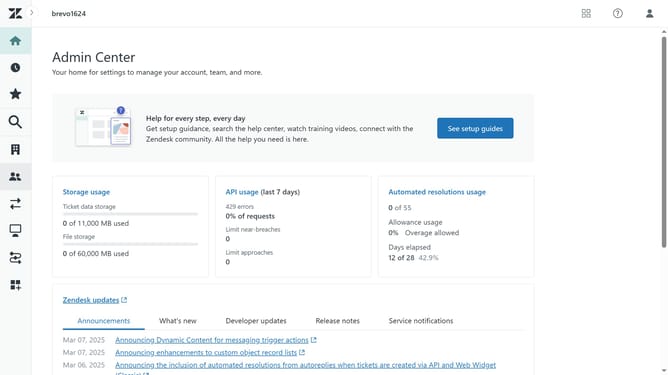
- First in the Admin Center, click on the "Objects and rules" icon in the left sidebar
- Then click on "Automations" under Business rules section
- Next click the "Add automation" button in the top right corner
- Enter a title for your automation in the automation title field
- In the "Conditions" section, choose the relevant conditions from the dropdown menus
- Then, in the Actions section, select the actions you want to trigger based on those conditions
- Finally click the "Create automation" button at the bottom to save your settings
- Your automation has now succesfully been created
Why should you add automation in Zendesk
Zendesk, a leading customer service platform, streamlines support interactions and enhances customer satisfaction.
Adding automation in Zendesk simplifies repetitive tasks, allowing support teams to focus on more complex inquiries.
This feature not only increases efficiency but also ensures quick response times, enhancing customer experience.
Automations help in reducing operational costs and maintaining consistent service quality, crucial for business success.
Last update