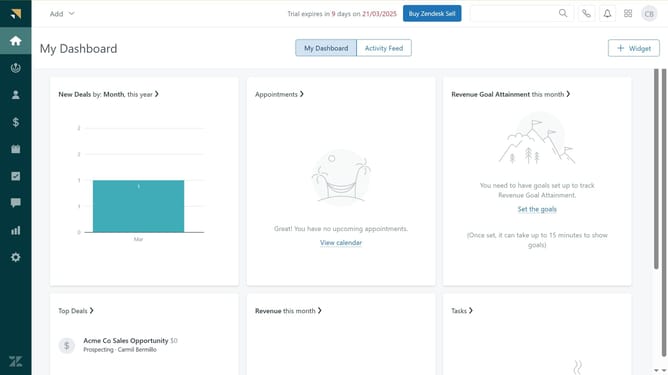
How to change app settings in Zendesk
Here is how to change app settings in zendesk
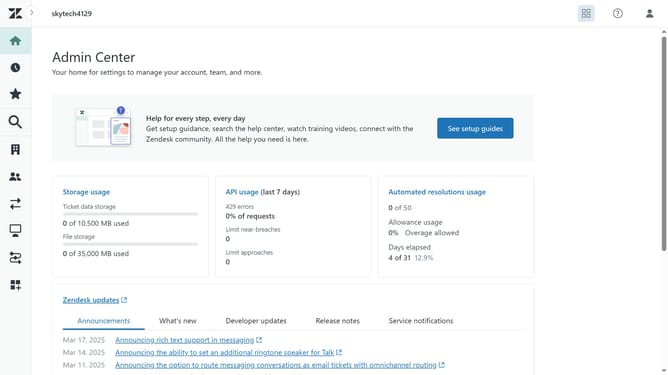
- First in the Admin Center, click on "Apps and integrations" in the left sidebar menu
- Then click on "Zendesk Support apps" under the Apps section
- Click on the "Currently installed" tab to view your installed apps
- Find the app you want to change settings for and click on the dropdown arrow
- Next select "Change settings" from the dropdown menu
- Once you're in the app's settings page, update the app settings as needed such as restricting the app access
- Finally, after making the changes, click "Save" to apply the updated settings
- The app settings has now been successfully updated
Why should you change app settings in Zendesk
Zendesk is an intuitive platform designed to enhance customer support experiences.
Changing app settings in Zendesk offers flexibility and customization, empowering users to tailor the platform to their unique needs. This feature ensures that businesses can optimize their workflow, resulting in more efficient support operations.
By managing app settings, users can maintain control over how applications interact within their Zendesk environment, promoting an organized and cohesive workspace.
Ultimately, leveraging this feature enhances productivity and strengthens the overall functionality of the support system.
Last update