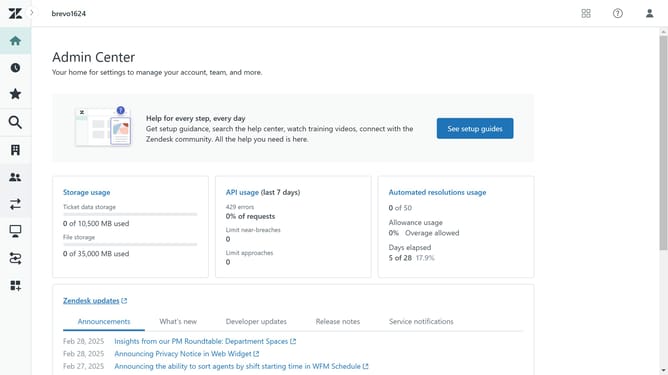
How to edit an article in Zendesk Guide Admin
Here is how to edit an article in zendesk guide admin
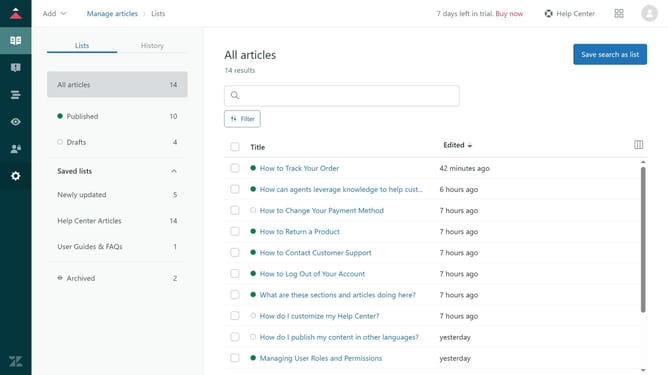
- First in Guide admin, click on the "Manage articles" icon in the left sidebar
- Then click on the article you want to edit from the list
- Now make any necessary changes to the content using the text editor
- You can edit who can have permission to access this article in the "Management permissions Administrators"
- Locate the "Placement" section and click on it
- Click on "Manage Section" to edit the section where the article is located
- Click on the author selection dropdown
- Select a new author for the article from the author list
- Click on the visibility dropdown menu
- Select your preferred visibilty option from the visibility options
- To add tags, click on the content tags field and select the tags you want
- Click on the "Turn on comments" checkbox To enable comments
- Once you're done, click on "Update settings" button to apply the changes
- Finally click on the "Save" button in the editor toolbar to save and confirm the changes
Why should you edit an article in Zendesk Guide Admin
Zendesk is a leading platform designed to enhance customer support through streamlined solutions.
Editing an article in Zendesk Guide Admin is a strategic feature that allows for the effortless updating, refining, and optimization of your knowledge base content.
This functionality is pivotal for maintaining relevant and accurate information, boosting user engagement and satisfaction.
By keeping your articles updated, you empower customers with the latest insights and solutions, ultimately fostering trust and improving support experiences.
Last update