How to disable Help Center profiles in Zendesk Guide
Here is how to disable help center profiles in zendesk guide
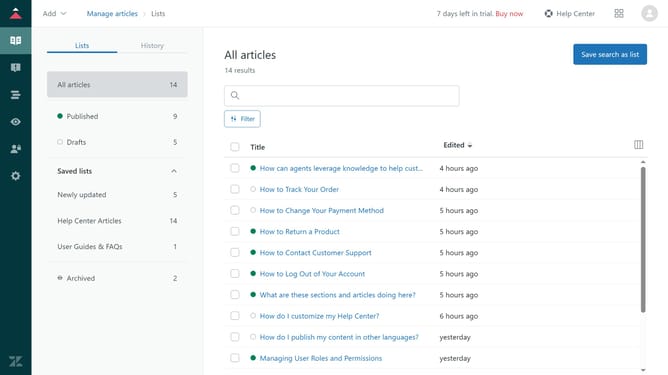
- First in Guide admin, click on "Settings" icon in the left sidebar
- Then click on "Guide settings" option in the left menu panel
- In Guide settings, scroll down and find the "User profiles" section
- Next uncheck the box to disable it
- Finally, click on the "Update" button in the top-right corner to apply the changes
Why should you disable Help Center profiles in Zendesk Guide
Zendesk is a versatile customer service platform designed to improve communication and streamline support processes.
Disabling Help Center profiles in Zendesk Guide enhances privacy control for organizations. This feature allows administrators to hide specific user profiles, ensuring sensitive information remains inaccessible to the public.
By managing profile visibility, businesses can maintain a clean and focused Help Center experience. This not only protects user data but also reduces distractions, enabling users to find relevant help articles more efficiently.
Last update