How to change an agent's name in Zendesk
Here is how to change an agent's name in zendesk
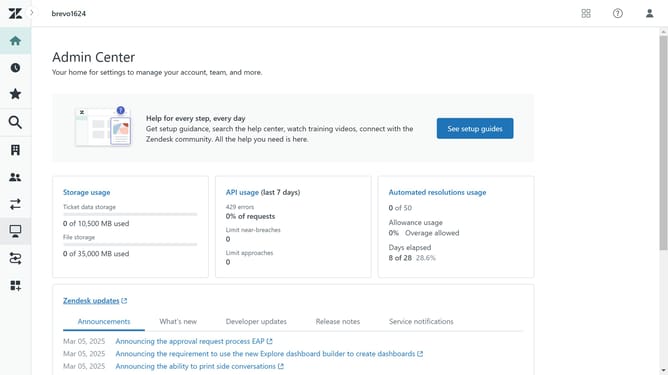
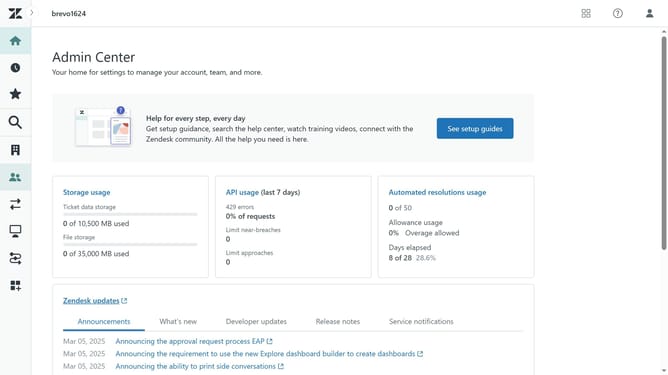
- First in the Admin Center, click on "People" icon in the left sidebar
- Then click on "Team members" under the Team section
- Next select the agent whose name you want to update
- Click on the "Account" tab in the member details page
- Click on the name field containing the current name to enter the new one
- Finally click the "Save" button to confirm the changes
- The agent's name has succesfully been changed and updated
Why should you change an agent's name in Zendesk
Zendesk is a seamless customer support platform designed to enhance communication and improve customer satisfaction.
The ability to change an agent's name in Zendesk ensures that your support team remains aligned with any personal or branding updates.
This feature is especially beneficial when there's a name change due to marriage, legal reasons, or corporate rebranding.
Maintaining current and accurate information helps foster trust and professionalism in client interactions, reinforcing your brand's commitment to quality service.
Last update