How to edit a section in Zendesk Guide Admin
Here is how to edit a section in zendesk guide admin
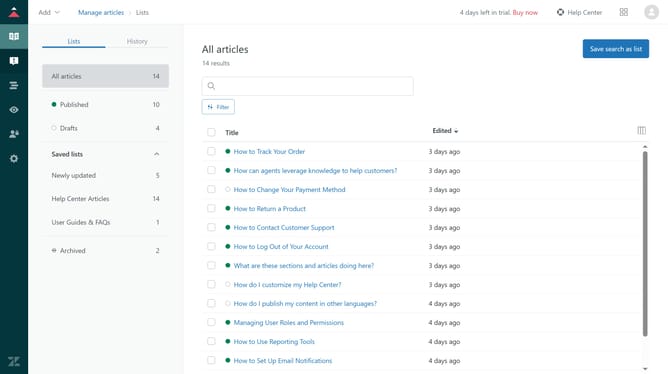
- First in Guide admin, click on the "Arrange content" icon in the left sidebar
- Then, click on the category that contains the section you want to edit
- Next, click on the "More actions" menu next to the section
- Select "Edit section" from the dropdown menu
- You can edit the section name and description
- Edit the source language, language, hierarchy, and order as needed in the left sidebar
- Finally once done, click the "Update" button in the top right corner to save your changes
Why should you edit a section in Zendesk Guide Admin
Zendesk is an innovative platform designed to enhance customer service experiences by streamlining support tasks.
Editing a section in Zendesk Guide Admin allows you to organize your knowledge base effectively, ensuring users can find information seamlessly. This feature empowers you to maintain updated content, tailor sections to specific needs, and enhance overall navigation.
Utilizing this capability helps create a more user-friendly environment, fostering customer satisfaction and boosting team efficiency by simplifying content management processes.
Last update