How to set a custom password security level for team members in Zendesk
Here is how to set a custom password security level for team members in zendesk
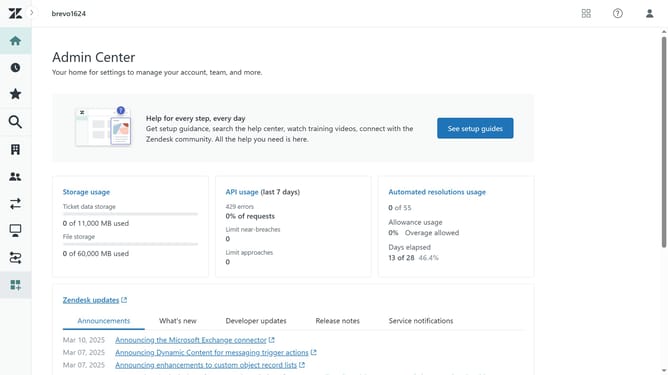
- First in the Admin Center, click on the "Account" icon in the left sidebar
- Then click on "Team member authentication" under the security section
- Click on the "Password level" dropdown menu
- Next select "Custom" option from the password level dropdown
- Click on "Edit" link to set password requirements
- In the dialog box, select and edit your custom password requirements
- Once done, click on the "Save" button at the bottom of the page
- Then click on "Save" again
- Finally click "Save" again to confirm and apply all changes
Why should you set a custom password security level for team members in Zendesk
Zendesk is a powerful tool designed to enhance customer service experiences through efficient and seamless communication.
Setting a custom password security level for team members in Zendesk ensures that sensitive information remains protected, enhancing overall security.
This feature allows administrators to tailor password requirements to match the specific needs of their organization, promoting both flexibility and safety.
By implementing custom password security, businesses can bolster their cybersecurity measures and foster a secure working environment for their teams.
Last update