How to rename a report in Zendesk Explore
Here is how to rename a report in zendesk explore
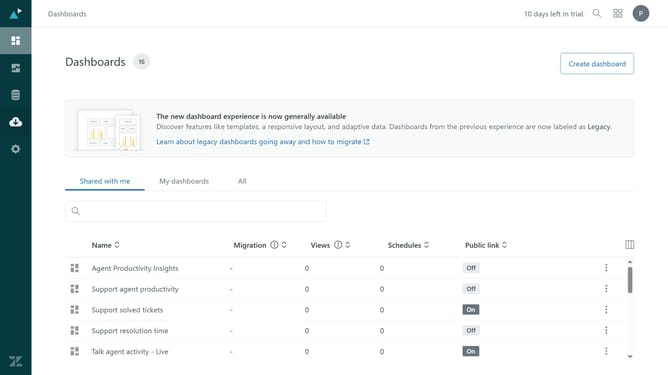
- First in Zendesk Explore, click on the "Reports" icon in the left sidebar
- Then find the report you want to rename from the list
- Next click on the "More actions" menu (three dots) next to the selected report
- Select "Rename" option from the dropdown menu
- Finally enter the new name for the report and press "Enter" to confirm the changes
Why should you rename a report in Zendesk Explore
Zendesk is a comprehensive platform designed to enhance customer relationships by streamlining support, sales, and engagement services.
Renaming a report in Zendesk Explore is a simple yet powerful feature. It allows you to personalize and manage your data insights efficiently. By renaming reports, you keep track of essential analytics and ensure that your team is aligned with the company's objectives.
This feature helps maintain consistent naming conventions, which is crucial for your organization's data integrity. It fosters a more organized workflow, making it easier to locate specific reports when needed.
Last update