How to allow restricted content in email notifications in Zendesk Guide
Here is how to allow restricted content in email notifications in zendesk guide
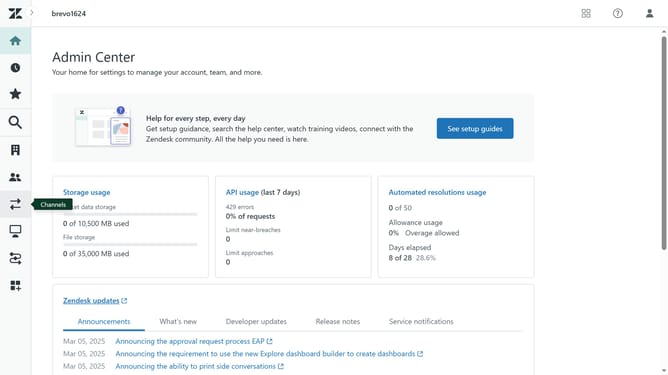
- First in Guide admin, click on "Settings" icon in the left sidebar
- Then click on "Guide settings" tab in the left menu panel
- In Guide settings, scroll down and find the "Security" section
- Next select the "Allow email notifications for restricted articles" checkbox
- Finally, click on the "Update" button in the top-right corner to apply the changes
Why should you allow restricted content in email notifications in Zendesk Guide
Zendesk is a powerful tool designed to enhance customer service experiences across various platforms.
By allowing restricted content in email notifications within Zendesk Guide, organizations can streamline access to important information. This feature ensures that users receive all necessary content directly through email, reducing the need for additional logins or redirects.
Implementing restricted content in email alerts enhances information flow and boosts efficiency, resulting in quicker resolutions and improved satisfaction for both users and support teams.
Last update