How to manually change the order of categories in Zendesk Guide Admin
Here is how to manually change the order of categories in zendesk guide admin
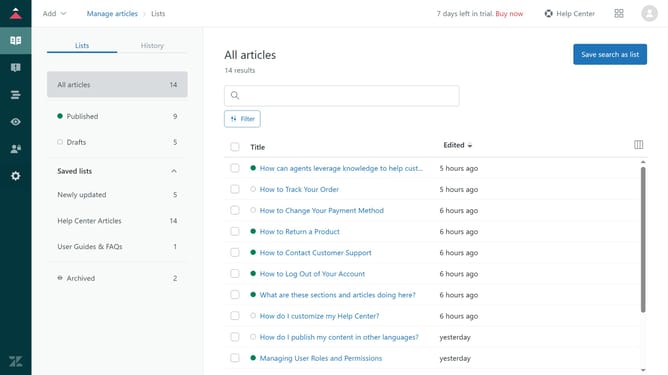
- First in Guide admin, click on the "Arrange content" icon in the left sidebar
- Then click on "Arrange articles" section in the left sidebar
- Next click and hold the category card you want to move in the categories list
- Drag it to the desired position. Repeat this process for any other category that need to be ordered
Why should you manually change the order of categories in Zendesk Guide Admin
Zendesk is a powerful platform designed to enhance customer support and streamline communication.
Manually changing the order of categories in Zendesk Guide Admin allows for a more customized and intuitive knowledge base.
This feature is beneficial because it helps organize content logically, ensuring your users find the information they need quickly and efficiently.
By rearranging categories, companies can prioritize key resources, highlight essential information, and improve the overall user experience in their help center.
Last update