How to edit links in articles in Zendesk
Here is how to edit links in articles in zendesk
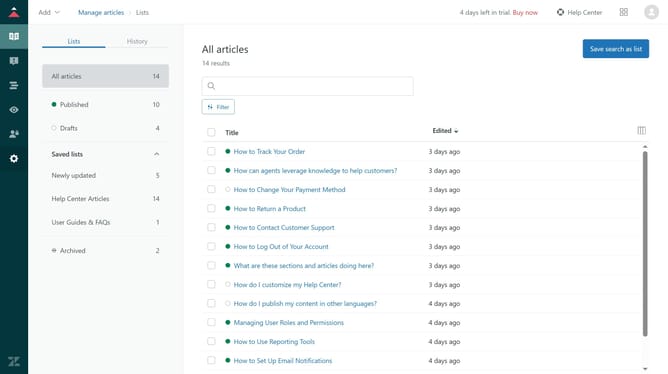
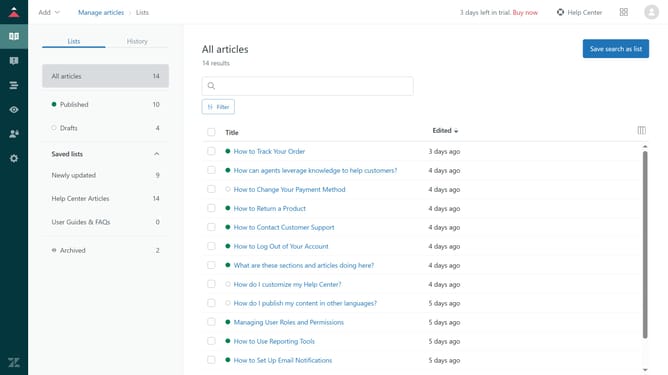
- First in the Guide Admin, click on "Manage articles" in the left sidebar
- Then select the article you want to edit from the articles list
- To change the link text, simply type over the existing text in the article
- Next highlight the link
- Click the "Edit link" icon in the editor's toolbar to change the link target
- In the "Edit link" dialog, go to the "URL" tab
- Remove the existing URL in the field and paste in a new URL
- Alternatively to link to a different Help Center article, click the "Help Center article" tab
- Then remove the current selection and select another article
- Once done, click the "Save" button to save the changes
- Finally, click "Save" to update the article
Why should you edit links in articles in Zendesk
Zendesk is a comprehensive customer service platform designed to enhance business interactions.
The ability to edit links in articles within Zendesk allows users to maintain up-to-date, relevant resources for their audience.
By easily editing links, you ensure content accuracy, leading to improved user experience and boosted engagement.
This feature aids in keeping your knowledge base dynamic and informative, ultimately enhancing the support process.
Last update