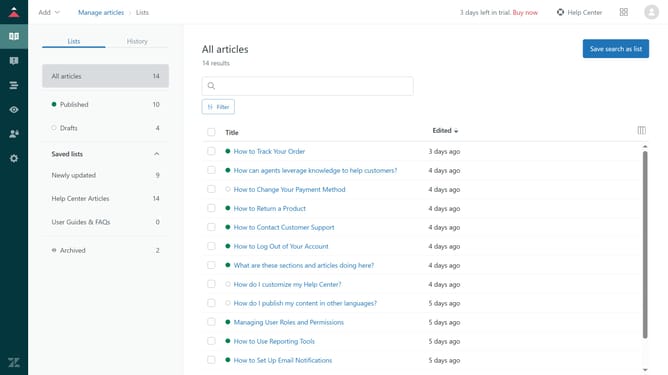
How to enable aliases for users in your help center in Zendesk
Here is how to enable aliases for users in your help center in zendesk
- First in Guide admin, click on "Settings" icon in the left sidebar
- Then click on "Gather settings" option in the left settings menu
- Next in the Gather settings, select the "Enable alias" checkbox
- Finally, click on the "Save" button in the top-right corner to apply the changes
Why should you enable aliases for users in your help center in Zendesk
Zendesk is a versatile customer service platform designed to improve communication and streamline support operations.
Enabling aliases for users in your Zendesk help center allows customers to interact under pseudonyms.
This feature can enhance privacy and foster a more comfortable interaction environment, encouraging open and honest communication.
By using user aliases, companies can also reduce potential bias in support handling, ensuring fair and equal treatment of all customers.
Last update