How to create a custom object in Zendesk
Here is how to create a custom object in zendesk
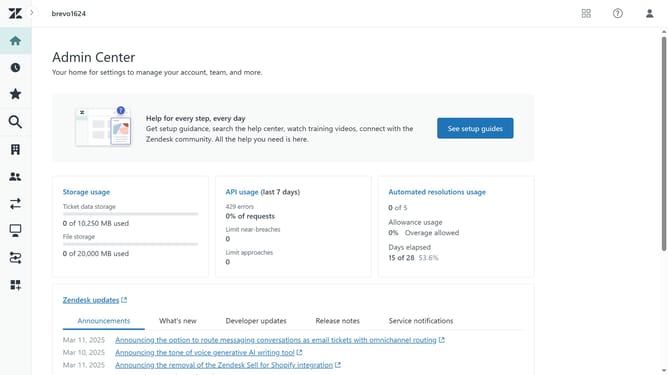
- First in Admin Center, click on the "Objects and rules" icon in the left sidebar
- Then click on "Objects" under the Custom objects section
- Next click on the "Create object" button in the main content area
- Enter a name for your object in the "Display name" field
- Enter the plural version of the object name in the "Plural display name" field
- In the Object key field, enter a unique identifier for this object, or use the automatically generated one
- Enter a brief description of the object in the "Description field", if necessary
- Finally click on the "Create object" button at the bottom of the form to finalize the custom object creation
- Your custom object is now ready. You can start adding fields, relationships, and more
Why should you create a custom object in Zendesk
Zendesk streamlines customer service and engagement through its comprehensive platform.
Creating a custom object in Zendesk empowers businesses to tailor their interactions and data structure, enhancing the personalization of customer interactions.
This feature allows you to craft unique data sets suited to your specific business needs, ensuring all relevant information is at your fingertips.
Utilizing custom objects in Zendesk can lead to improved efficiency and more meaningful customer connections, ultimately boosting satisfaction and loyalty.
Last update