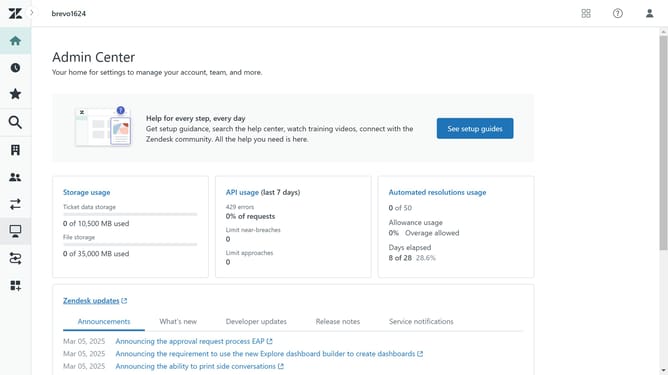
How to activate the community in Zendesk Guide Admin
Here is how to activate the community in zendesk guide admin
- First in Guide admin, click on "Settings" icon in the left sidebar
- Then click on "Gather settings" option in the left menu panel
- Next click the "Activate community" checkbox to enable it
- Finally, click on the "Save" button in the top-right corner to apply the changes
- The community is now live to end users in your help center
Why should you activate the community in Zendesk Guide Admin
Zendesk is a customer service platform designed to improve customer interactions and streamline support processes.
Activating the community in Zendesk Guide Admin allows businesses to build an interactive platform where customers can engage, share insights, and offer mutual support.
This feature fosters a collaborative environment, enhancing customer satisfaction and reducing support workloads by leveraging user-generated solutions.
Encouraging community interactions not only boosts customer loyalty but also creates a valuable knowledge base, amplifying the overall customer service experience.
Last update