How to integrate Zendesk with Mailchimp
Here is how to integrate zendesk with mailchimp
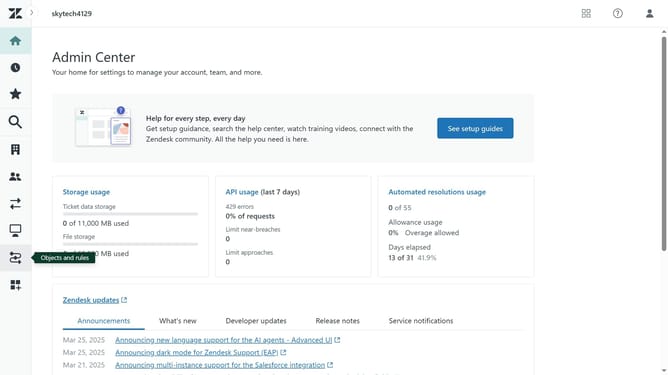
- First in the Admin Center, click on "Apps and integrations" in the left sidebar menu
- Then click on "Zendesk Support apps" under Apps section
- Click on "Marketplace" button in the top right corner
- Enter "Mailchimp" in the search box
- Click on the "Mailchimp Activity" app card
- Click on the "Install" button on the app details page
- Enter your Zendesk domain name in the text field
- Then click on "Sign in" button
- In the installation form, set up the installation
- Click on the "Sign In with Mailchimp Activity" link
- Enter your Mailchimp login credentials
- Next click on "Log In"
- Click on "Allow" button to authorize the integration
- Finally, click on "Install" button to complete the app installation
- Your Zendesk account will now be successfully connected to Mailchimp
Why should you integrate Zendesk with Mailchimp
Zendesk is your all-in-one platform for managing customer support and improving customer experiences.
Integrating Zendesk with Mailchimp allows businesses to seamlessly link their customer support with email marketing efforts. This integration can enhance customer engagement by ensuring that subscribers receive timely support updates, while also benefiting from targeted email campaigns.
By aligning support and marketing, businesses can streamline communication processes and build stronger relationships with their audience, ultimately leading to increased customer satisfaction and loyalty.
Last update