How to add an admin to the Zendesk workspace
Here is how to add an admin to the zendesk workspace
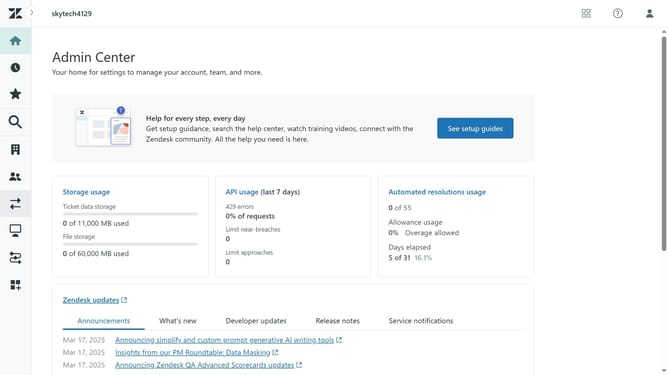
- First in the Admin Center, click on "People" tab in the left sidebar
- Then click on "Team members" under "Team" section
- Next click on "Create team member" button in the top right corner
- Enter the name of the future admin in the "Name" field
- In the "Email" field, enter the email address
- Click "Next" button at the bottom of the form to continue
- Click on the "Support role" dropdown menu
- Then select "Admin" from the dropdown options
- Finally, click on the "Save" button at the bottom right to confirm
- The new member has successfully been added to your team with an admin role in your workspace
Why should you add an admin to the Zendesk workspace
Zendesk is a leading customer service platform designed to improve customer engagement and simplify support workflows.
Adding an admin to your Zendesk workspace is a powerful feature that enhances collaborative efficiency. By designating multiple admins, teams can better manage user roles, permissions, and streamline operations.
This feature promotes a well-organized workspace that fosters productivity, ensuring quick response times and improved service quality.
Having additional admins ultimately leads to a more agile and responsive support system.
Last update