How to delete articles in the Zendesk Help Center
Here is how to delete articles in the zendesk help center
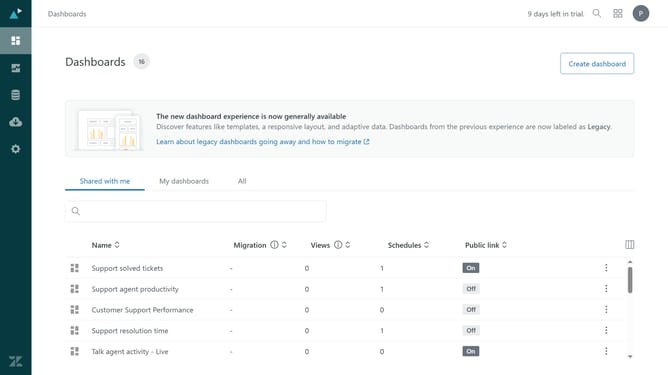
- First click on the "Products" icon in the top right corner
- Then click on "Knowledge" in the dropdown menu
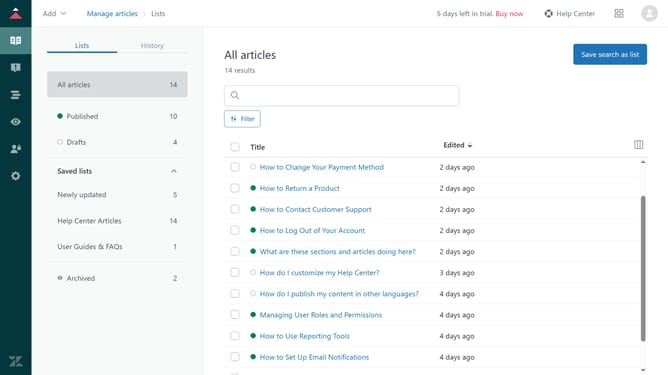
- Next click on "Guide admin" in the top right
- Click to select the articles you want to delete from the article list
- Click on "Article settings" in the bottom toolbar
- Click on "Delete" from the dropdown menu
- Finally click on "Delete" button in the confirmation dialog to confirm the deletion
Why should you delete articles in the Zendesk Help Center
Zendesk is a leading customer service platform designed to simplify and enhance customer interactions.
Efficiently managing content in the Zendesk Help Center is vital for maintaining an organized knowledge base. The ability to delete articles ensures outdated or irrelevant information is swiftly removed, keeping your help center clutter-free.
This feature empowers teams to curate content effectively, ensuring users always access up-to-date and accurate information, thus enhancing the overall customer experience.
Last update