How to enable external link sharing for dashboards in Zendesk Explore
Here is how to enable external link sharing for dashboards in zendesk explore
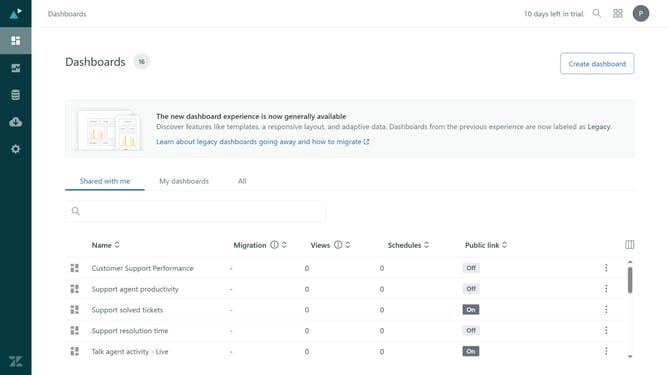
- First in Zendesk Explore, click on the "Settings" icon in the left sidebar
- Then click on the "Sharing" tab in the settings navigation menu
- Next click on the toggle switch for "Public links to dashboards" to enable this feature
- Finally click the "Save" button in the bottom right corner to apply the changes
Why should you enable external link sharing for dashboards in Zendesk Explore
Zendesk is a powerful tool designed to enhance customer service and support experiences.
Enabling external link sharing for dashboards in Zendesk Explore allows users to easily share data insights beyond internal teams.
This feature is vital for collaboration, as it facilitates seamless communication with stakeholders and decision-makers who need access to relevant analytics.
With external link sharing, you can enhance transparency and ensure everyone has the necessary data to drive informed business strategies.
Last update