How to delete an AI agent for messaging in Zendesk
Here is how to delete an ai agent for messaging in zendesk
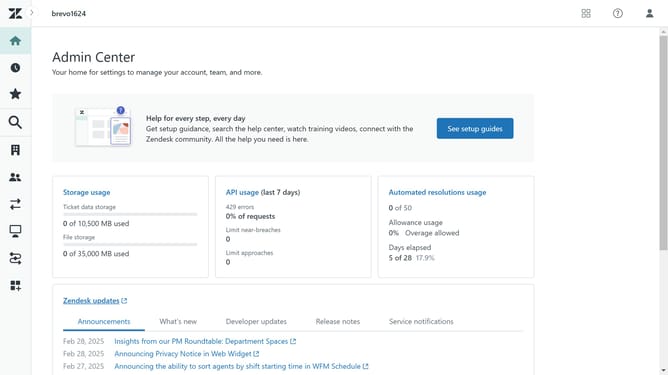
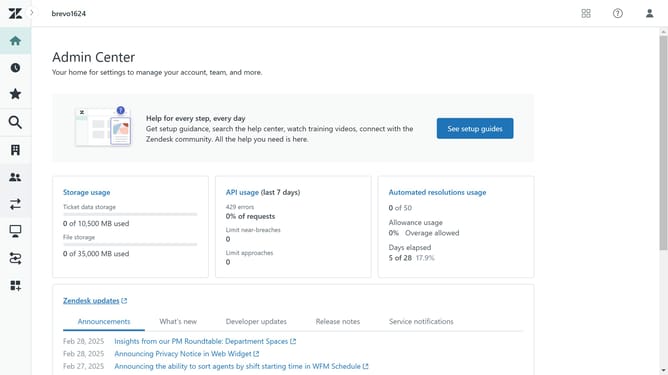
- First in the Admin Center, click on "Channels" in the left sidebar
- Then click on "AI agents" option under the AI agents and automation section
- Next click on "Manage AI agents for messaging" link in the main content area
- Find the AI agent you want to delete in the AI agents list
- Click on the "More options" button (three dots) next to it
- Select "Delete" option from the dropdown menu
- Finally, click on the "Delete" button in the confirmation dialog box to confirm the deletion
- Once completed, the AI agent for messaging will be permanently deleted
Why should you delete an AI agent for messaging in Zendesk
Zendesk is a comprehensive customer service platform designed to enhance communication and boost customer satisfaction.
Deleting an AI agent in Zendesk helps streamline your messaging operations by removing unnecessary or outdated bots.
This feature allows users to maintain an efficient workflow, ensuring that only relevant AI agents are active and contributing to effective customer engagement.
By regularly updating your agent list, you can maintain a clutter-free interface, enhancing overall productivity and customer interaction quality.
Last update