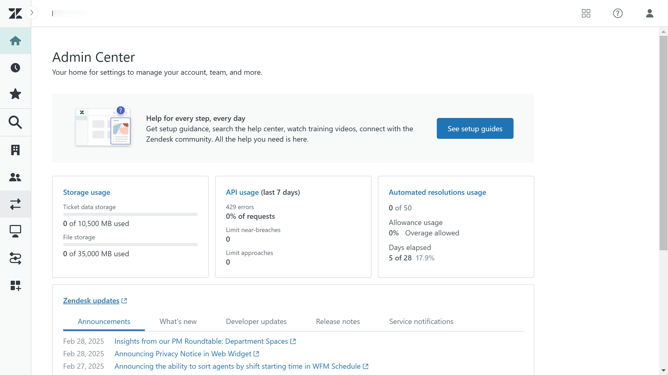
How to check your Explore permissions in Zendesk
Here is how to check your explore permissions in zendesk
- First click on your profile icon in the top-right corner of the header
- Then click on the "Data access" option in the profile dropdown menu
- In the modal window, you will see which "Ticket groups" and "Datasets" you currently have access to
Why should you check your Explore permissions in Zendesk
Zendesk is a comprehensive tool designed to enhance customer experience and streamline support operations.
Checking your Explore permissions in Zendesk is a crucial feature that ensures efficient data utilization and security. By knowing your access levels, you can seamlessly generate reports, conduct analysis, and make informed decisions based on the insights available to you.
Utilizing this feature can lead to improved team collaboration, as everyone will be aware of their permissions and capabilities. Consequently, it enhances productivity and promotes a smooth workflow within your organization.
Last update