How to disable an app in Zendesk
Here is how to disable an app in zendesk
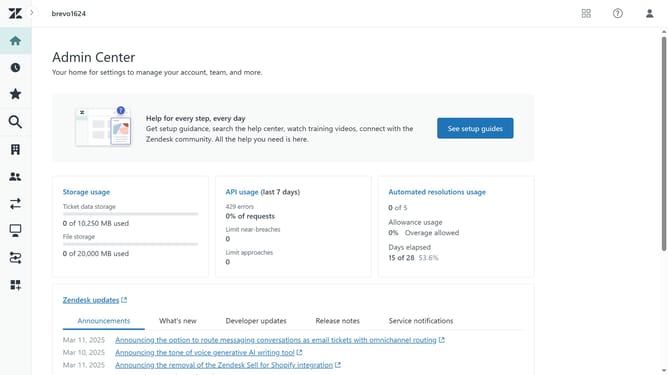
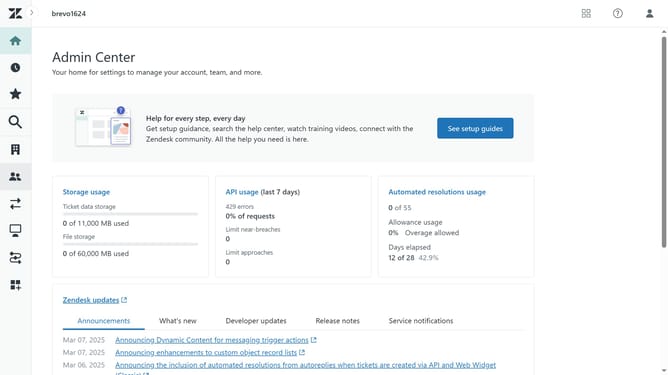
- First in the Admin Center, click on the "Apps and integrations" icon in the left sidebar
- Then click on "Zendesk Support apps" in the Apps section
- Next click on the "Currently installed" tab to view your installed apps
- Hover over the app you want to disable and click the dropdown arrow
- Finally, click on "Enabled" toggle switch in the dropdown menu to disable it
- The disabled app will appears in the Disabled apps section
Why should you disable an app in Zendesk
Zendesk is a dynamic platform designed to enhance customer service and streamline support activities.
The ability to disable an app in Zendesk is a practical feature that allows users to manage their app ecosystem efficiently. By disabling apps that are not in use, teams can eliminate clutter and optimize the platform’s performance.
This feature ensures that resources are focused on essential functions, boosting productivity and maintaining a smooth operational flow. Adjusting app usage according to current needs fosters a tailored environment, benefiting overall team efficiency.
Last update