How to edit a pipeline stage in Zendesk Sell
Here is how to edit a pipeline stage in zendesk sell
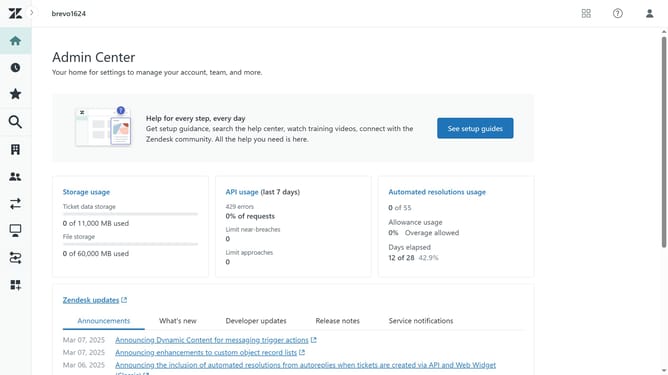
- First in Zendesk sell, click on the "Settings" icon in the left sidebar
- Then click on "Sales pipelines" under the Customize section
- Next, select the pipeline that contains the stage you want to edit
- Click on the "Stages" tab in the pipeline view
- Find the stage you want to edit in the list of stages and click on the edit icon next to it
- In the stage edit form, make the necessary changes as needed
- Finally, once done click on the "Save" button to apply the changes
Why should you edit a pipeline stage in Zendesk Sell
Zendesk is a powerful and intuitive tool designed to enhance customer relationship management and sales automation.
One standout feature is the ability to edit pipeline stages in Zendesk Sell. This functionality allows you to tailor your sales process stages according to your specific business needs.
Editing a pipeline stage offers the flexibility to match your evolving sales strategies and streamline workflow. By customizing pipeline stages, you can better track progress and optimize opportunities throughout the sales funnel, leading to improved efficiency and outcomes.
Last update