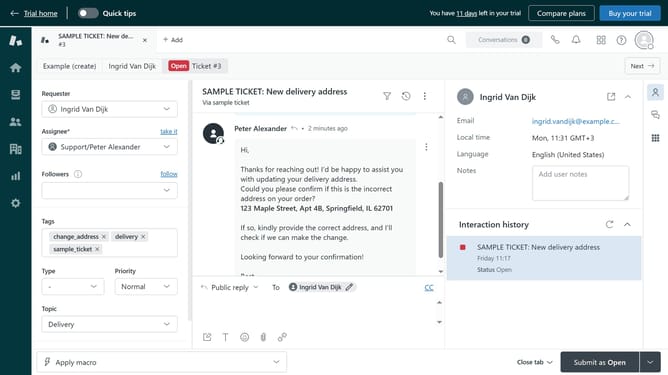
How to enable email attachments for agents in Zendesk
Here is how to enable email attachments for agents in zendesk
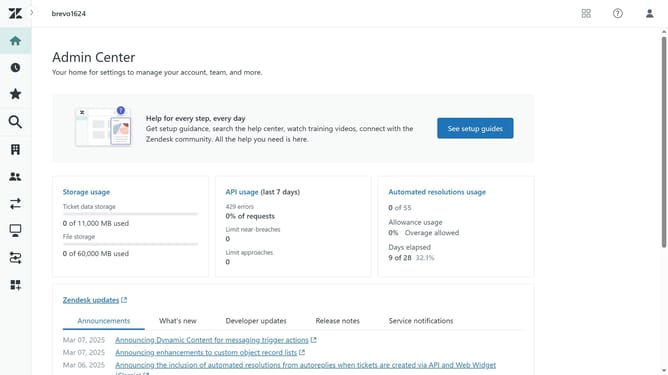
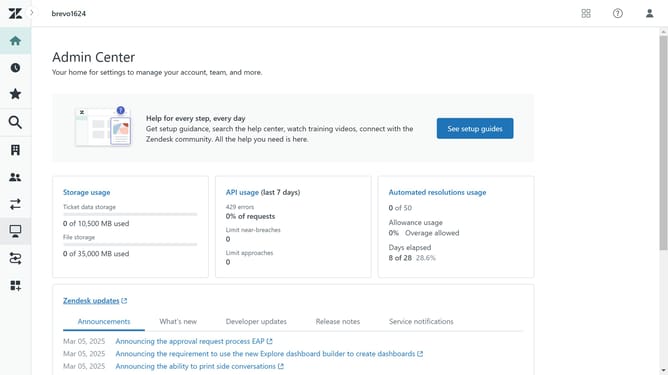
- First in the Admin Center, click the "Objects and rules" in the left sidebar
- Then click on "Settings" under the Tickets section
- Click the "Settings" tab in the main content area
- Next scroll down and find the "Attachments" section
- Then click the "Include attachments in emails" checkbox to enable it
- Finally, click the "Save tab" button at the bottom of the page to apply the change
Why should you enable email attachments for agents in Zendesk
Zendesk is a comprehensive customer service platform designed to improve communication and enhance customer support experiences.
Enabling email attachments for agents in Zendesk streamlines customer interactions by allowing agents to include relevant documents, images, or files directly within emails.
This feature enhances communication, reducing back-and-forth exchanges, and ensuring that customers receive all necessary information efficiently.
Ultimately, this capability enhances the support experience, leading to increased customer satisfaction and more effective resolutions.
Last update